

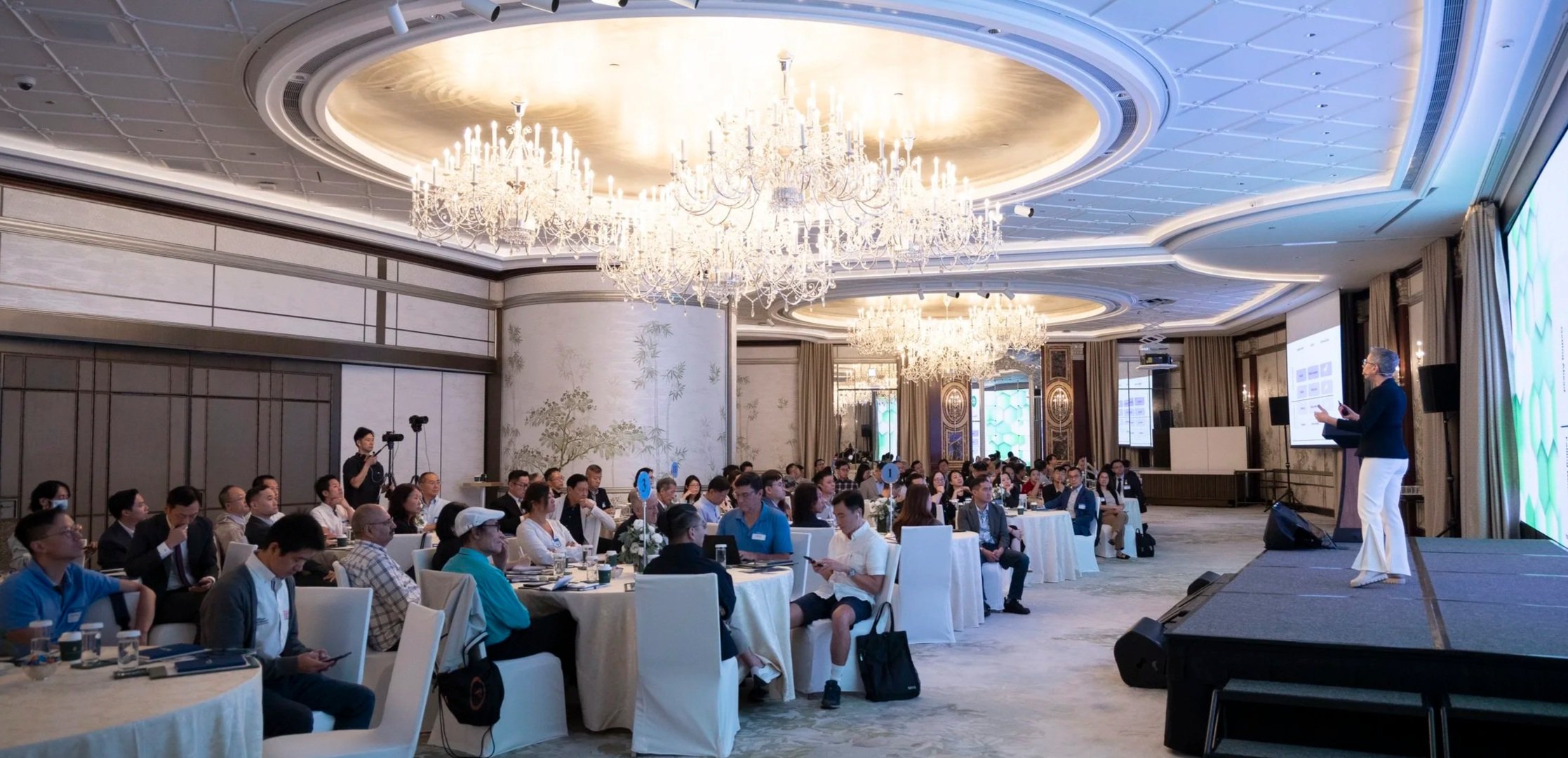
A live online workshop for accounting and advisory firms
Ready to Delegate to AI?
Build your firm’s AI action plan for 2027 in just 90 minutes.
You’re already working with AI. What would it take to hand over an entire task, rather than prompt it through every step? Microsoft Copilot, Claude and ChatGPT all have Cowork capabilities and we all need to get on top of using them.
I’ll show you what delegating to AI can look like in Copilot and Claude today. We’ll look at practical examples, the access you need and the foundations to put in place first.
You’ll leave with a working workflow and an action plan for what you and your team need to do next to prepare for delegating to AI in 2027.
Thursday 29 October 2026 · 10:30am–12:00pm AEDT (12:30pm–2:00pm NZDT) · Live online

TRUSTED BY ACCOUNTING TEAMS ACROSS AUSTRALIA AND NEW ZEALAND
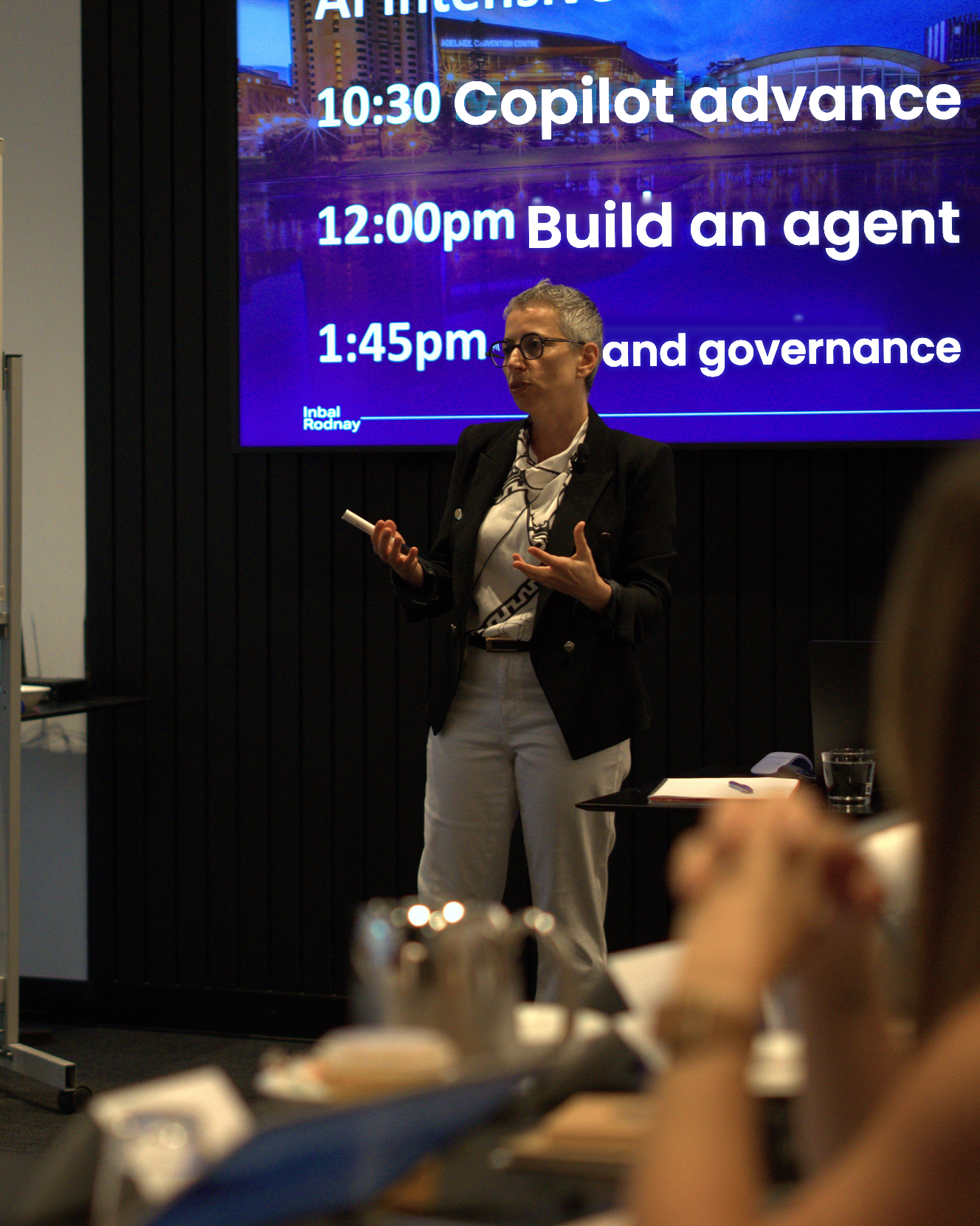
Why 2027 is different: Prompting Vs. Delegating
If you’re guiding AI through every step, you’re still prompting. But in 2027, what separates the early majority from the rest is the ability to delegate to AI.
For most of these jobs, you don’t need a developer or another technical training programme to make it happen. You just need the explore the capabilities that your tools (Microsoft Copilot or Claude) already have.
After this 90-minute session, you’ll leave with a practical uses cases, one delegated workflow and an action plan for 2027.
Your Next Steps, in 90 Minutes
One. Understand the delegation capabilities of the main AI tools. How to find them and how to set them up properly.
Two. Build one delegated workflow. You’ll leave with one real piece of work that AI now does from start to finish. Set it up once, and it runs on a trigger or a schedule, and it brings back finished work for you to review.
Three. Develop an action plan for 2027. Bring the workflow back to your firm. What do you need to put in place? What does your team need to learn?
You’ll leave knowing what to do next to delegate to AI in 2027.
What We’ll Cover
1. From reusing to delegating. The difference between returning to a saved agent or skill and handing over a whole task. What changes when you stop guiding AI through every step?
2. Practical use cases. Practical examples, including inbox assistance, scheduled tasks and work across your files. I’ll show you the key capabilities in Microsoft Copilot and Claude.
3. The access you need. What to check about your subscription, permissions and IT setup before you plan work around a capability you may not have switched on.
4. The foundations to get right. Your team’s skills, client data, safety and the checks you need before handing over more work. Being ready yourself is only part of it. Your team needs to be ready too.
5. Building the workflow. We’ll give AI an outcome, and playbook then it does the work before bringing it back for us to review. We will focus on the concepts of Cowork in both Copilot and Claude, and touch on agents, connectors, scheduled and triggered tasks.
Yours to keep, on top of the session.
YOUR BONUSES
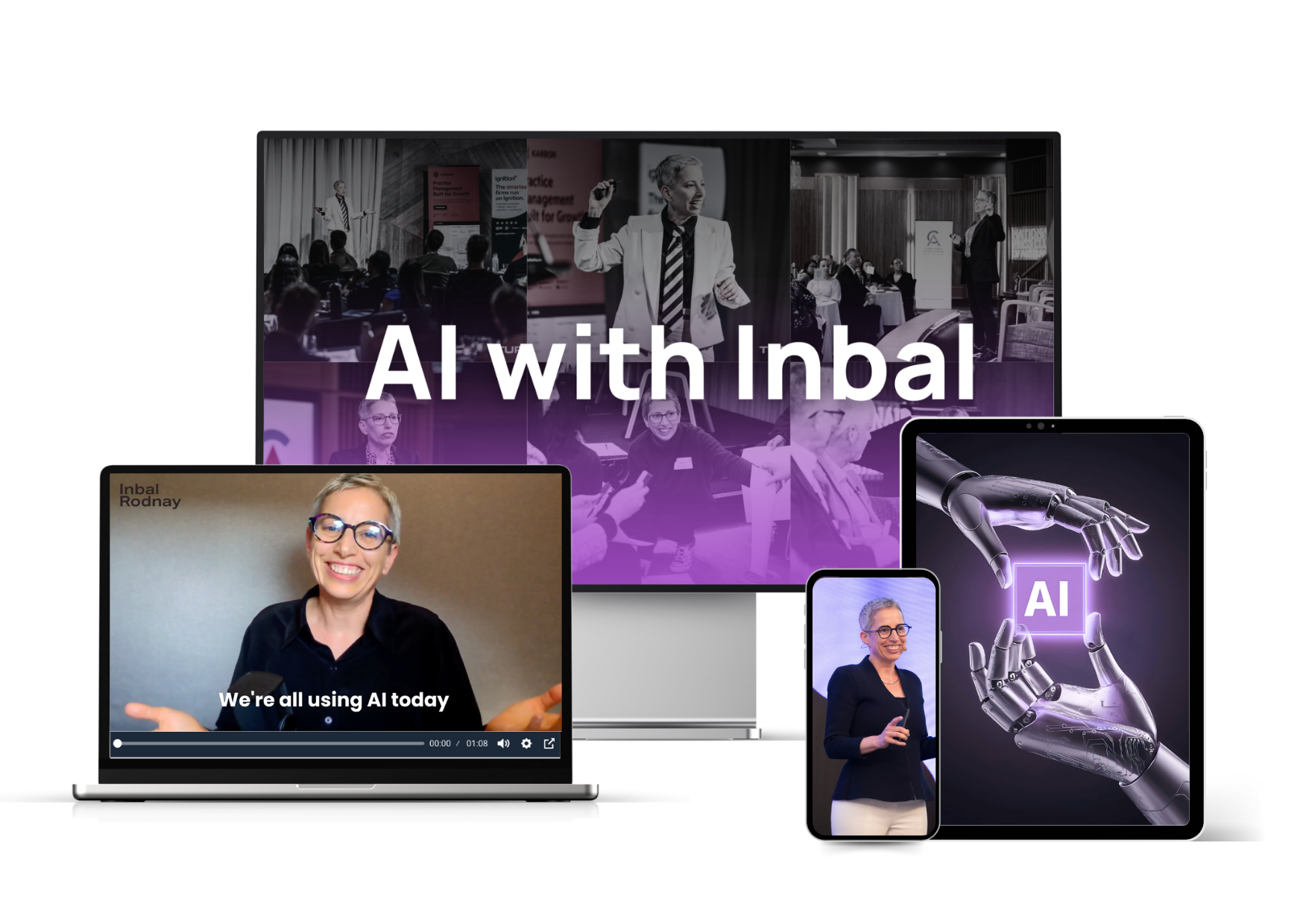
Bonus 1 · The Use Case Shortlist
The highest-value AI use cases for accounting and advisory firms, ranked.
Bonus 2 · The AI Tool Map
Where the major AI tools and players stand right now, so you're not choosing blind.
Bonus 3 · The Rollout Foundations Kit
The essentials for an AI rollout your team will actually adopt.
Bonus 4 · The Session Recording
Included for everyone who registers, whether or not you attend live.
WHO SHOULD COME
Is this for you?
For leaders and professionals in accounting and advisory firms who want to get a head start on 2027.
Come along if
- ✓ You’re already using AI, perhaps with saved prompts, agents or skills, and want to understand what you could delegate next.
- ✓ You still guide AI through each step, such as asking it to draft one email at a time, and want to see what handing over a whole task could look like.
- ✓ You use Microsoft Copilot or Claude and want to make sure you are using all their capabilities.
- ✓ You’re responsible for your team’s AI adoption and want to check that everyone has the foundations covered.
- ✓ You want a practical action plan for 2027 without having to experiment with every new feature yourself.
Skip it if
- × You’re looking for an introduction to writing your first AI prompts.
- × You want coding instruction or a custom technical implementation.
- × You want a session focused only on one vendor. I’ll cover both Microsoft Copilot and Claude.

YOUR FACILITATOR
Inbal Rodnay
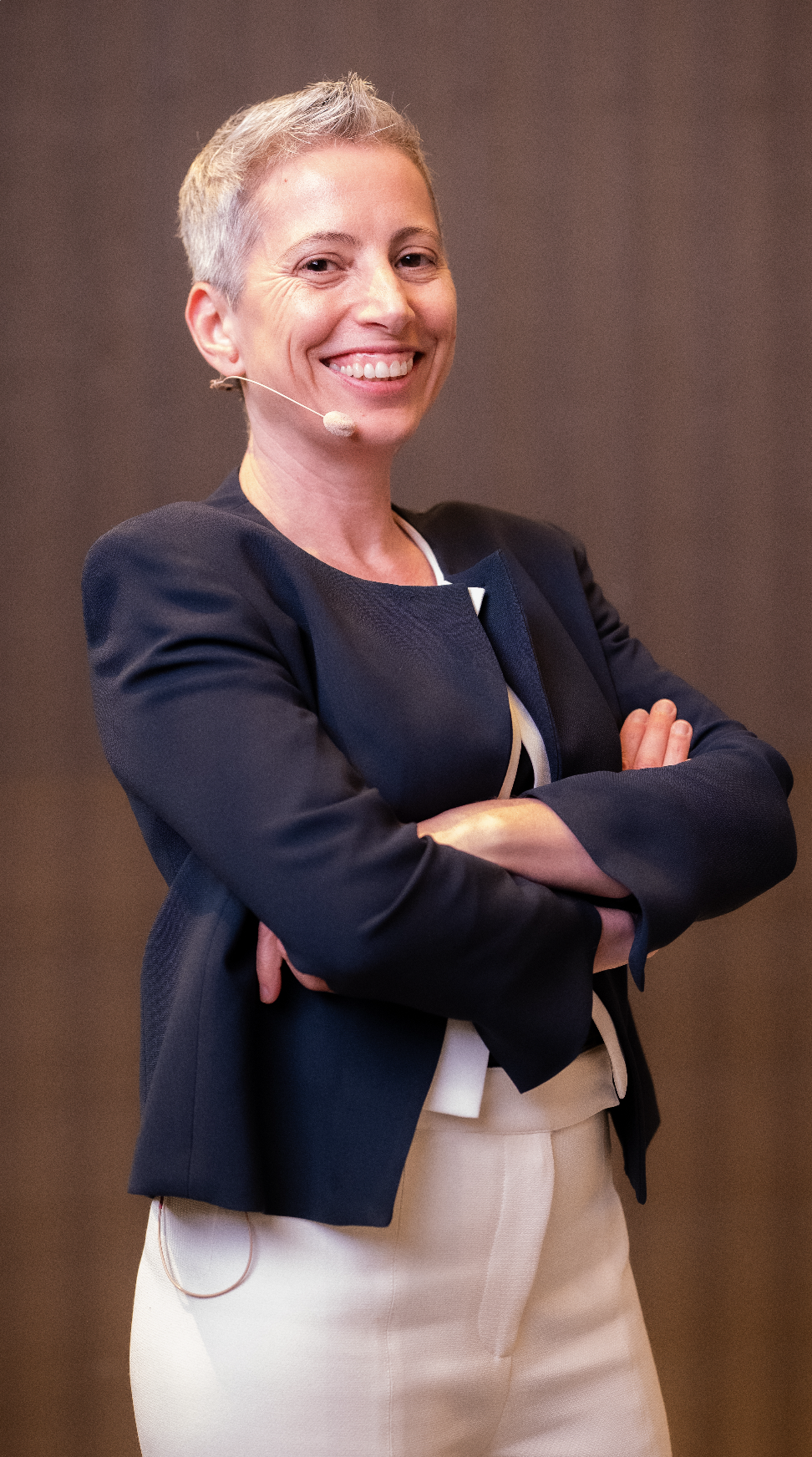
AI adoption expert, keynote speaker, and educator for accounting firms and finance teams. I work with firms that want to use AI in a practical, safe, and commercially sensible way.
Lead author, CA ANZ Certificate in AI Fluency
Author of AI Magic: Six Steps to AI Mastery in Your Firm, Amazon bestseller
Certified Speaking Professional (CSP) 2026
Top 100 Thought Leader 2026
Emerging Business of the Year 2026 - Silver
Top 50 Women in Accounting for 2026
2026 Gold Stevie — Education & EdTech (Small): Educating finance and accounting industries — AI Confident Majority
2026 Gold Stevie — Internet/New Media (Small): Leading the AI Confident Majority for methodical adoption of AI
2026 Bronze Stevie — Business & Professional Services (Small): Unlocking the power of AI and automation for finance and accounting industries
What Accountants Say
FAQs
-
This session is best suited to people already using AI who want to understand what they could delegate next. We’ll look at where you are and the foundations you need, but this isn’t an introduction to writing your first prompts.
-
No. You don’t need to code or be the technical person in your firm. I’ll show you practical examples and explain the capabilities, access and foundations to consider before handing over more work to AI.
-
There will be time to put what we’ve covered into practice during the session. Some attendees will leave with a working workflow; others will have the foundations of one in place.
-
We will focus on Microsoft Copilot and Claude. Some capabilities depend on your subscription, permissions or IT setup. Part of the session is understanding what access you’ll need before putting it into practice.
-
I’ll cover both Microsoft Copilot and Claude, with a focus on the capabilities that help you move from reusing AI to delegating work. This isn’t a detailed comparison of every AI tool on the market. We are using the tools that are most popular with accountants today.
-
No. The six levels are a way to understand where you are, not a race to the top. Most of us are happy being in the early and late majority. By definition. But what we have to do to stay there changes all the time and we need to keep up.
-
Yes. You can claim 1.5 CPD hours, subject to your professional body's requirements. We'll send you a certificate of attendance after the session for your records.
-
You'll still get the recording and all the bonuses. If you are with us live, you get to ask questions and participate in conversation, but not all is lost if a clash comes up.
-
Absolutely. Choose the number of seats you need at checkout, or gather the team in a boardroom and work through it together on one screen. Additional seats are half the price of your first seat.
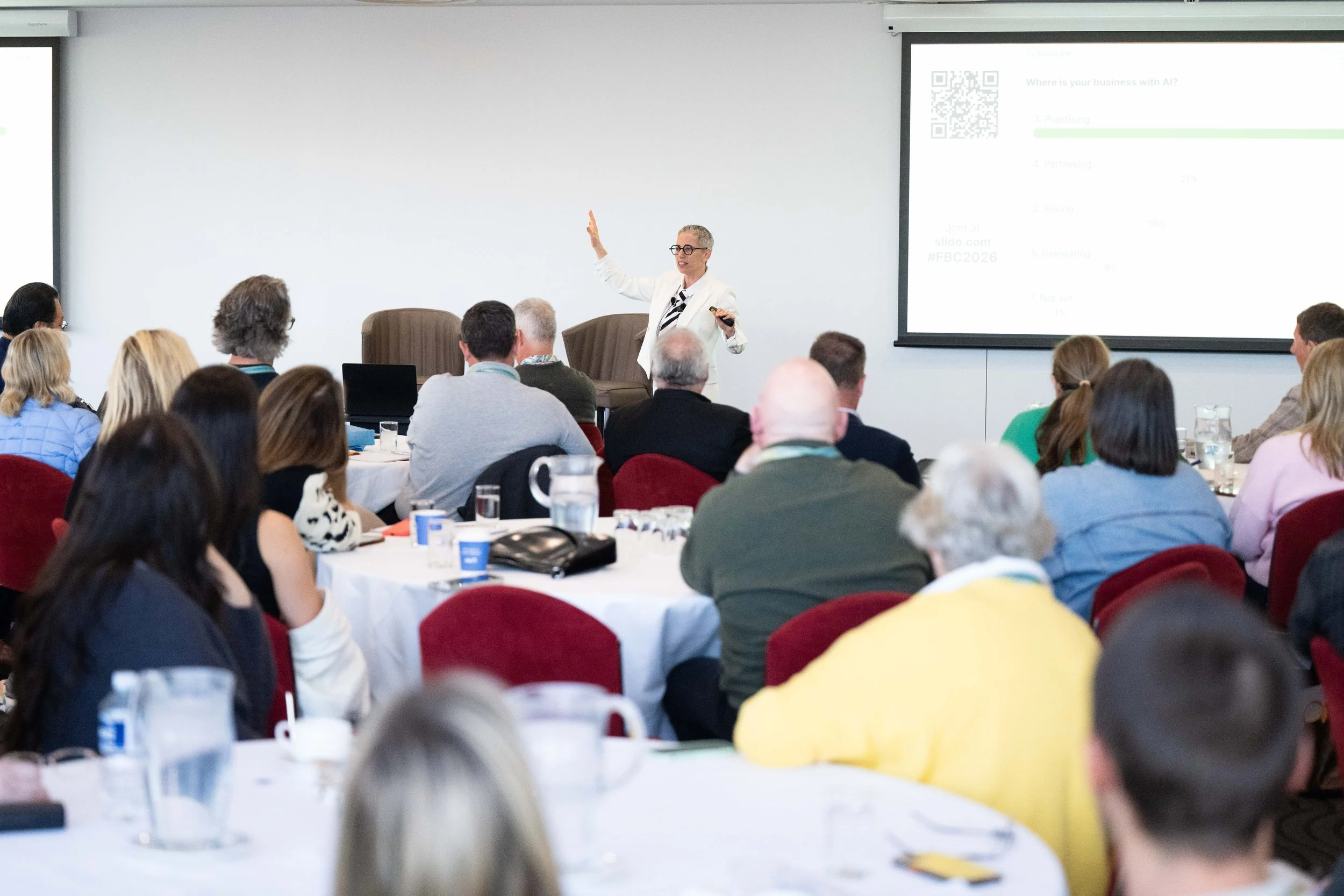
You don’t need to hire a developer to start delegating work to AI. You just need to know where to look and how to use the capabilities in the tools you already have.
In 90 minutes, I’ll show you what’s possible with Microsoft Copilot and Claude and help you put it into practice. You’ll walk away with more clarity, a delegated workflow and a working delegation action plan for your firm.
Don’t wait for 2027 to get started. Leave knowing what you can delegate now and what your team needs to put in place next.