


You’re hearing about Claude and you want to give it a good go, but there’s never time?
Watch the recording and you'll leave knowing what Claude actually does, whether it's safe for client work, and where to start in your firm.
No prior Claude experience needed. This is a Claude beginner session, and the focus of the session is Claude Cowork on the desktop - the mode built for real file and document work, not just chat.

You'll need a paid Claude account to follow along on the session - one month of Claude Pro is a good place to start. (The free plan doesn't include desktop app access to Cowork.)
TRUSTED BY ACCOUNTING TEAMS ACROSS ANZ
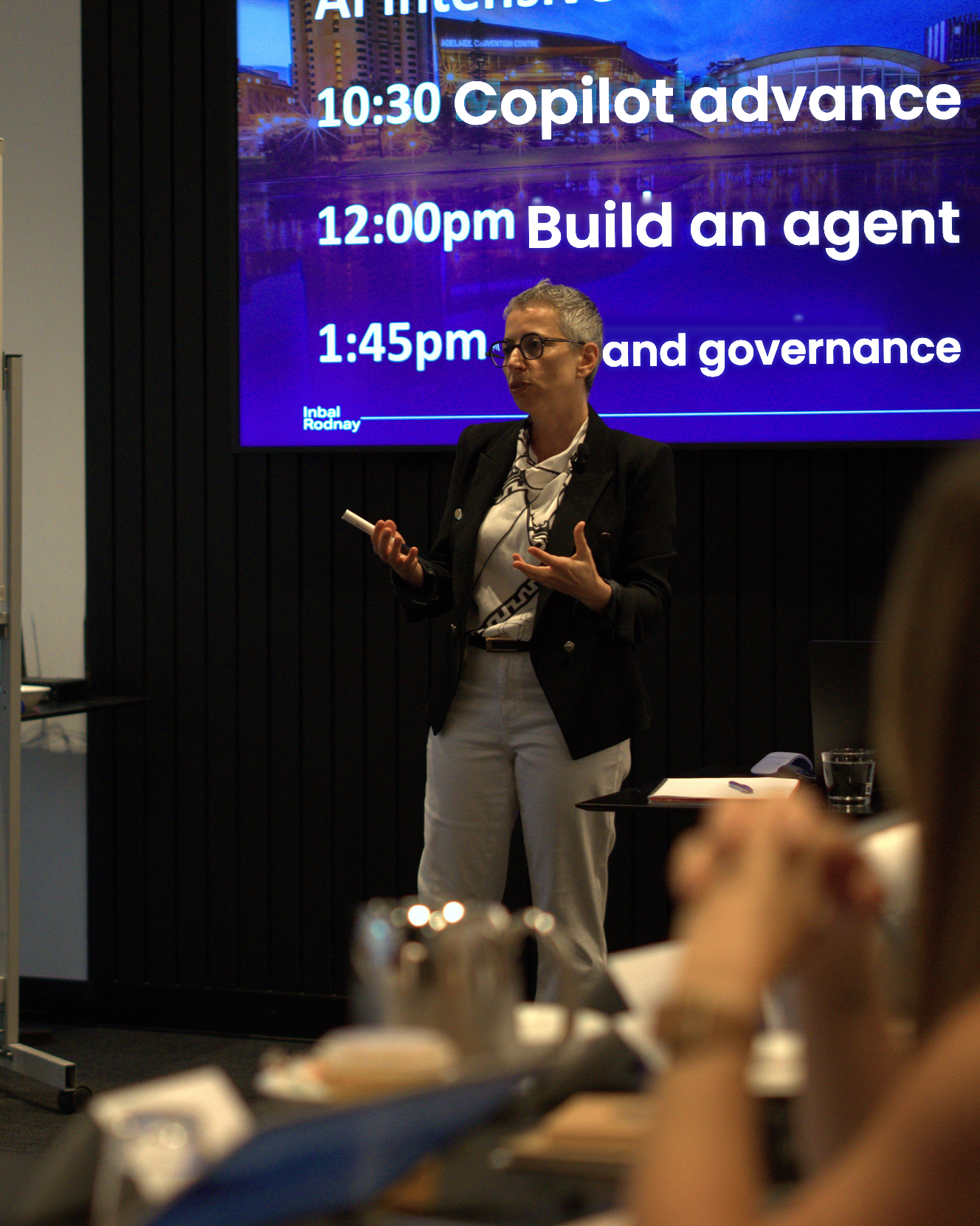
Is Claude worth adding to your firm?
Perhaps you've opened it, asked a few questions and thought, "Is that it?" Or you've watched someone else use it and wondered what you're missing or if it’s safe to work with client data.
The real shift isn't better chat. It's Claude working with the tools and files you already use: helping organise documents, build spreadsheets, draft advice letters and move a task forward while you get on with something else.
That sounds useful. It also raises sensible questions.
What should you use it for? What shouldn't you share? Can you trust it with client information? And is it worth adding another tool when you may already have Copilot?
This recording will help you decide. You'll see what Claude can do, try it on real accounting work and learn the guardrails that keep you in control.
You'll leave knowing whether Claude belongs in your firm and, if it does, how to start using it properly.
Claude is suddenly everywhere.
Should you bring it into your firm?
The ninety minutes
What we covered
You leave knowing how to use Claude. Not just what it is. Most AI sessions give you ideas; this one gives you a working habit you can start using the same afternoon.
A clear map of Claude - what it is, how it differs from Claude-inside-Copilot, and which models and settings matter.
At least one connector live - Outlook, OneDrive, calendar, inbox, files or whichever fits your setup - and a real answer pulled through it.
A Claude skill you built yourself - so Claude can remember your preferences and repeat a useful workflow the same week.
Claude in the tools you already use - Excel, Word, PowerPoint, Outlook, Chrome and Cowork.
A clear sense of the risks - permissions, client data, file access, browser control and prompt injection - and how to stay in control of them.
The setup you need to follow along and start using Claude properly.
YOUR BONUSES
Bonus 1 · Your First 5 Use Cases
A short, curated list of the highest-payoff tasks to try with Claude this month.
Bonus 2 · The Safe Client Data Playbook
A plain-English guide to what's safe to share with Claude, and what isn't.
Bonus 3 · The Team Share Kit
A simple pack for bringing the rest of your practice up to speed with you.
Bonus 4 · The Claude Map
A simple guide to Claude's components, including chat, desktop, Cowork, browser, apps, connectors, skills and models, so you know what each part does and when to use it.
Bonus 5 · The Session Recording
Lifetime access: Rewatch the recording anytime, at your own pace.
WHO SHOULD WATCH
Watch this if
- ✓ You haven't really used Claude yet, or only used the chat function.
- ✓ You want to understand what it's actually capable of, without the hype.
- ✓ You want a result you can use this week, not a lecture.
- ✓ You're curious about where AI fits into your firm, and want a low-pressure place to start.
- ✓ You want to make sure Claude can be used safely in your business, with sensible guardrails around client data, permissions and review.
Skip it if
- × You're already a confident, daily Claude Cowork user.
- × You want a broad AI trends talk rather than hands-on practice.
- × You're after a technical, developer-style workshop.
- × You plan to half-watch while clearing email.
Before watching the recording: get onto a paid Claude plan (Pro is a good one-month starting point) and install the Claude Desktop app for macOS or Windows, since Cowork's file and browser access run through it.

YOUR FACILITATOR
Inbal Rodnay

AI adoption expert, keynote speaker, and educator for accounting firms and finance teams. I work with firms that want to use AI in a practical, safe, and commercially sensible way.
Lead author, CA ANZ Certificate in AI Fluency
Fintech Leader of the Year 2025
Most Innovative Woman of the Year, Technology 2025
Certified Speaking Professional (CSP) 2025
Top 100 Thought Leader 2025
Author of AI Magic: Six Steps to AI Mastery in Your Firm, Amazon bestseller
What Accountants Say
FAQs
-
A paid Claude account - Pro, Max, Team or Enterprise. Cowork on the desktop isn't available on the free plan, so one month of Claude Pro is a good place to start if you don't already have a paid plan. You'll also need the Claude Desktop app installed (macOS or Windows) so Claude can reach your local files and browser.
-
Yes, this session is built for exactly that. We start from the very beginning, step by step.
-
No. You don't need to code or be "the tech person" in your firm. We guide you through every step in plain language, and you'll do the typing, not just the watching.
-
Many accounting firms now set up a lab, a small group of people that experiment with Claude and find the use cases where it can help. Many small firms are now moving to Claude from Copilot.
-
Yes. Claude Cowork is better for some work, and different in both its capabilities and its costs. It is worth being informed and understanding the difference between them, so you can decide which tool belongs in which part of your firm.
-
It's a fair question to sit on the fence about. Paid Claude plans don't train on your data, but your prompts and files do leave your Microsoft tenant and go to Anthropic and back, whereas Copilot keeps things inside your Microsoft environment. We'll walk through what that means in plain terms, and where the free plan simply isn't the right choice for client work.

WHY THIS MATTERS NOW
It is no longer just the AI tool people say gives better answers. It can now work across files, documents and everyday business systems in ways that make it a serious option for accounting firms.
The hesitation has always been safety. Claude sat outside the Microsoft environment, and for many firms the guardrails were not strong enough to justify the switch. Staying with Copilot made sense.
Now the gap is narrowing. Claude's controls are improving while its capabilities keep moving forward.
This is not about moving everything to Claude. It is about recognising that the default choice may no longer be the best choice for every task.
This session will help you see the opportunity, understand the risks and decide where Claude belongs in your firm.