Last week I said that in 2027 we'll be delegating whole chunks of work to AI, rather than asking it to do little tasks.
For AI to do that well, and consistently across your team, there are three things you need in place: playbooks, connectors and Cowork.
1. Skills: give AI your playbooks
Tell your AI once how you like things done, and it will know for next time. Then, share it with the AI of your other team members:
Whenever I ask for my morning brief, these are the sources, this is the layout I want and here’s how I prioritise.
Whenever I ask you to review GST, this is what's material, what to watch and what to ignore.
Whenever I ask you to make anything, here's my brand kit: my colours, my fonts, how I like things laid out.
Explain it once, and make sure everyone in your team works from the same playbook.
In Claude and ChatGPT, when AI does a task really well, just say "Make this into a skill." Both have a Skills area where they live and both make it easy to share skills with your team.
In Copilot, it's a bit more fragmented. In Copilot Chat, you can create chat agents, which are basically saved prompts you can publish to your team. Microsoft is also rolling out proper skills in stages: there's a skills area in Cowork, and custom skills in Excel and in the other Office apps. For now they're separate in each app, but I'm sure they'll become unified and simple to manage with time, I am pretty sure.
Your action: go to a chat you keep coming back to and ask your AI to make it into a skill. Test it. Then share it with your team. It means all the AI assistants in the business learn how to work in the same way.
2. Connectors: link AI to your systems
Instead of logging into every system, you ask your AI. "What's on my calendar today? Who am I meeting? What did we talk about last time? I've just finished with this client, update my task list and send them an invoice through my accounting app"
Connectors link your AI to your other apps: email, calendar, CRM, practice management, task management, accounting so your AI can find context and act in those systems for you.
Each connector comes with a list of tools: what it can read and what it can do. Some connectors are more developed than others, but it's all emerging and maturing.
In Claude and ChatGPT, it's the Connectors and Plugins areas.
In Copilot Premium, your Microsoft 365 (Outlook, Teams, SharePoint) is already connected (it’s called WorkIQ). For other systems, go to Sources (plus sign under the prompt box). You'll only see the connectors your admin has made available. Agents from the agent store can bring connectors with them too.
Your action: make sure the connectors for the systems you use are on, enabled for your team, and that your team knows they're there and has signed in. Your AI becomes so much smarter about your business.
3. Cowork: let AI do, not just chat
Chat is where AI talks to you. Cowork is where it gets things done: it works with your files folders, you set the permissions, and it has a long runway to loop through and get the job done.
Claude was first, and is now merging chat and Cowork. In the newest setup there's just one Claude. Coworking becomes the norm.
ChatGPT still has Chat and Work, and I imagine they'll merge too with time, like Claude’s.
Copilot has Chat and Cowork, and Cowork costs extra, so many firms have it turned off. I suggest you give it a go anyway. Set a manageable budget and let your team try it out.
Some crowd favourite experiments: organising your inbox, renaming and organising messy folders, and keeping a register up to date on a schedule, drafting letters or emails in bulk, rolling over a period.
There is so much joy to be had there.
I also expect Microsoft to include some Cowork in the premium subscription over time, like ChatGPT and Claude already do. So it's worth getting in now and seeing what's possible, rather than building workarounds for things Cowork can already do and may be accessible to you in your plan soon.
Your action: if you haven't already, start using Cowork in whichever AI you use. Pick one of those experiments and give it a go. In Copilot, use the /cost command to after the task has finished, you’ll quickly develop a sense of what different tasks would cost.
Your goal for the rest of 2026
At least one playbook, at least one connector and at least one Cowork process that works really well for you. Then you'll understand what 2027 will look like, and you'll be ready for more.
We've got this
--
Inbal Rodnay
Guiding Firms in AI Adoption and Automation
Keynote speaker | AI Workshops | Executive briefings | The Tech Savvy Firm
When you are ready, here is how Inbal can help:
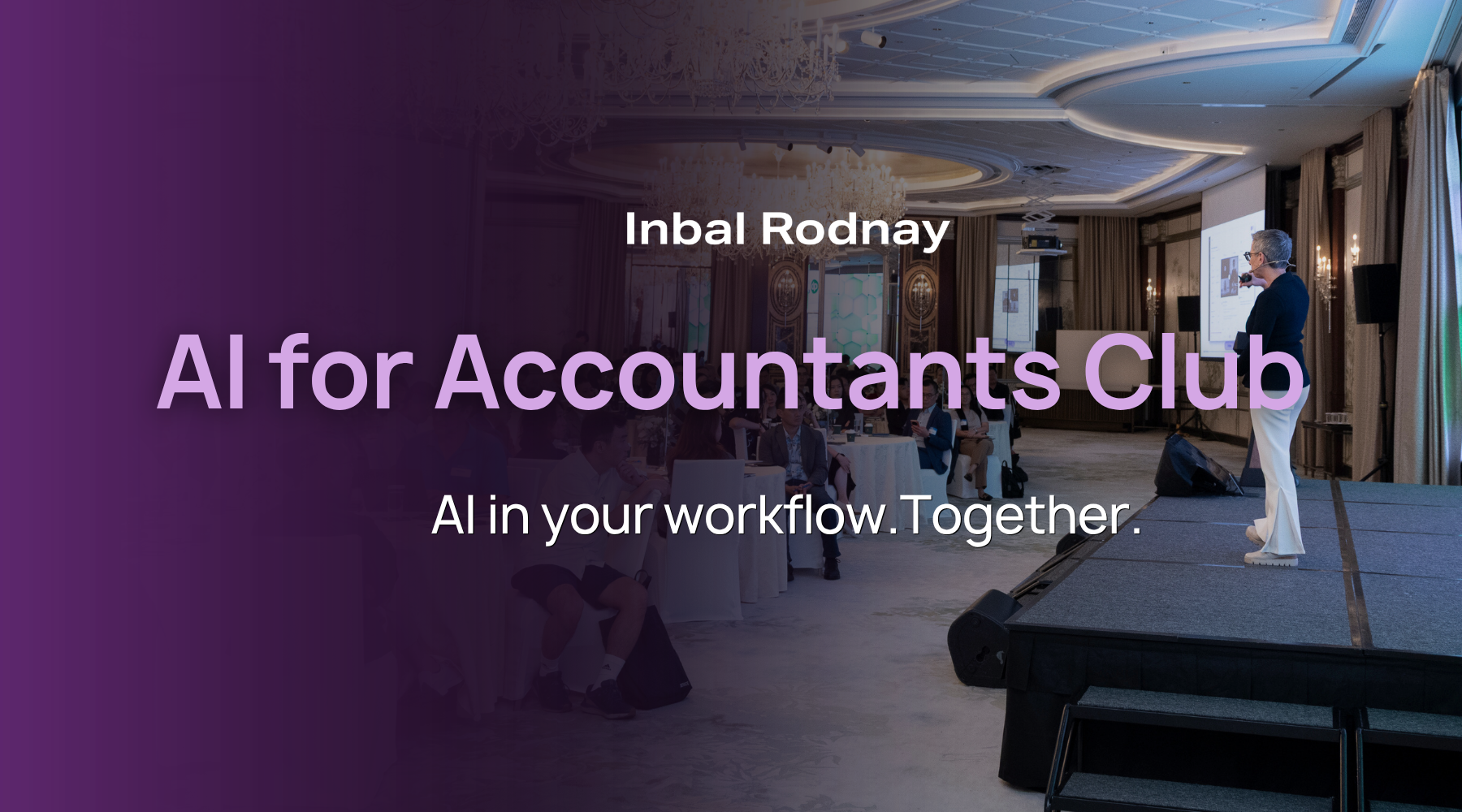
AI for Accountants Club
- Meetups: See what other firms are actually doing: real use cases, real results, no polish.
- The Radar: What to act on now, what to watch, and what to safely ignore
- The resource hub: prompt packs, policy templates, and implementation guides
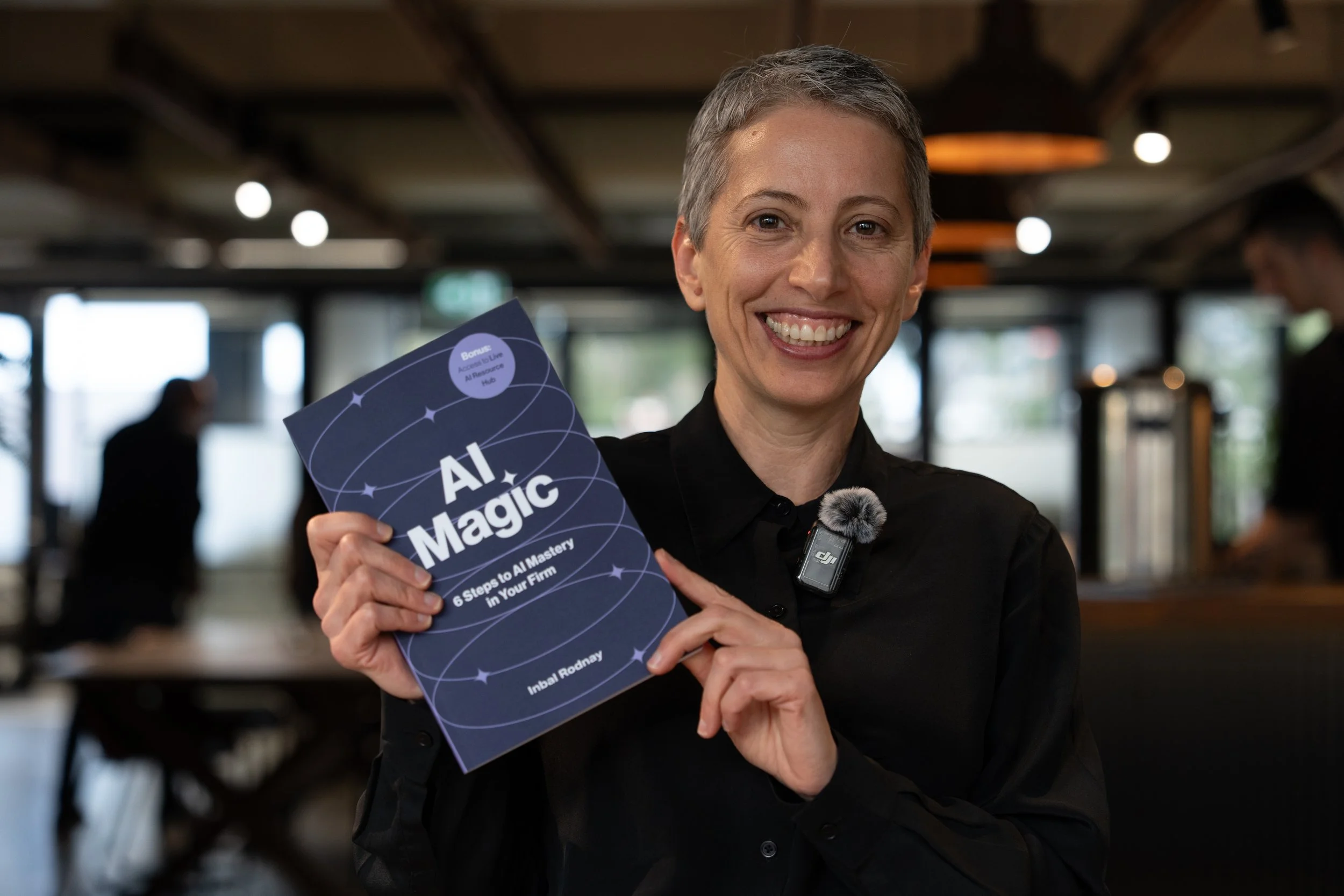
AI Magic: 6 Steps to AI Mastery In Your Firm:
- A step-by-step roadmap that shifts your firm from dabbling to safe, impactful AI Adoption
- A hands-on guide for mastering AI in your firm, solo practice, or team.
- Access to a live AI Resource Hub