AI agents in Excel: Copilot vs Claude, I ran the test
Microsoft just shipped AI agents in Excel, Word, and PowerPoint.
Until now, Copilot could suggest things or take small actions like add a row, make a pivot table or create conditional formatting.
Now it can take multi-step actions, think through a problem, develop entire workbooks with multi-step reasoning.
But hey, Claude has had this capability for months now.
And for all this time, I fielded questions from firms wondering if they should be on Claude instead of Copilot. These capabilities are so powerful, and it felt like we were missing out in very real (and painful) ways.
The test
In the video you’ll see how I ran the same task with both Copilot and Claude in Excel.
Both took about ten minutes. Both produced monthly trend tables, segment breakdowns, country analysis, and charts. The output quality was quite similar. If I had given either of them a sharper, more specific prompt, telling them who the report was for and what decisions it needed to support, I'd have got an even better result from both.
But there were two real differences:
First, Claude created an audit log. A separate sheet in the workbook noting the date, the prompt, what it did and the outcome. So we end up with a log of AI actions in our workbook. That’s very useful in highly regulated environments. I really like it!
Second, Copilot has had this capability for about a week. Claude has had it for months. The gap isn't in quality. It's in timing.
How I think about the Copilot vs Claude question
Here’s what changes how I look at this:
Inside Copilot, there's a model selector. It lists models like GPT-5.4. GPT-5.5. Claude Opus 4.6 and Claude Opus 4.7. These are the latest AI models from both OpenAI (ChatGPT) and Anthropic (Claude).
Microsoft isn't trying to win the AI race by offering the best model out there.
They're positioning themselves outside it. As an aggregator.
They're saying: use us, and you'll always have access to the best models, inside your secure Microsoft environment. The Copilot interface may always lag a little on features. But the underlying intelligence doesn’t.
Which brings me back to the question:
Should your firm move to Claude?
It depends on who you want to be. Here’s what I see:
The early adopter, yes, they are going Claude. And they have access to more and more capabilities.
But remember, last year the early adopters were using ChatGPT. Now Claude. Next year, who knows?
They are also introducing some complexity and risk with this third party app (think allowing Claude access to all your emails, calendars, files).
If you're part of the early or late majority, the answer is probably: stay with Copilot, and set up a lab. Keep Copilot as your main environment. But have a small group inside your firm experimenting with the latest capabilities. Right now that’s Claude. This group is learning, testing, building and developing a real understanding of what’s coming.
This way you're not distracting everyone with every release. You're watching the frontier from a safe distance, and you are prepared when capabilities land in your tools.
Keeping on top together
It is hard to keep on top of all these changes.
I get it.
But it’s important.
So I am setting up an AI Club where we are doing this together.
Meetups, updates, sharing what we are all working on, templates, builders labs, the lot.
We're launching on 20 May. First cohort is 50 people. If you want to be in: inbal.com.au/aiclub
Inbal Rodnay
Guiding Firms in AI Adoption and Automation
Keynote speaker | AI Workshops | Executive briefings | The Tech Savvy Firm
Want to receive these updates straight to your inbox? Click here: www.inbal.com.au/join
When you are ready, here is how Inbal can help:
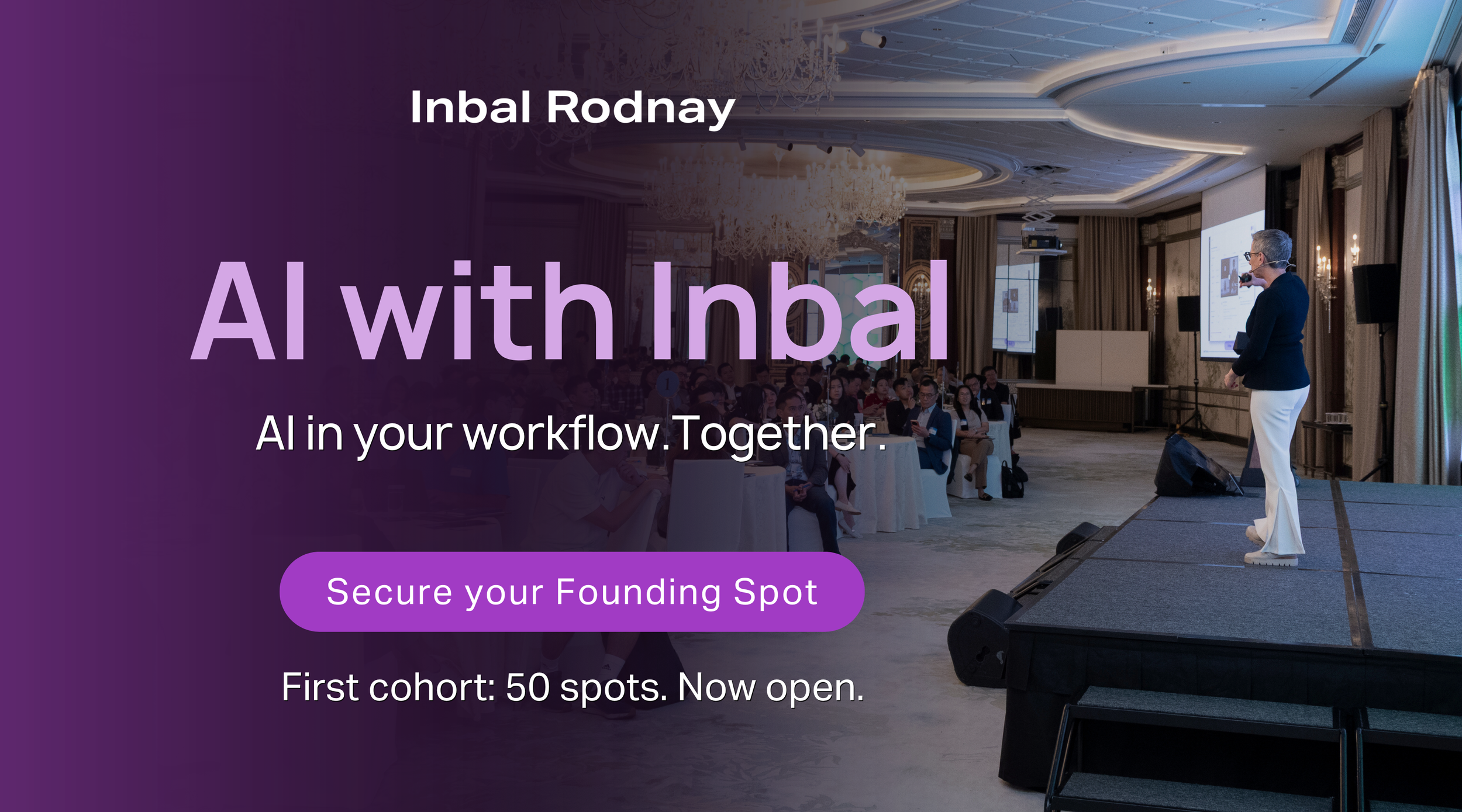
AI with Inbal
- Meetups: See what other firms are actually doing: real use cases, real results, no polish.
- The Radar: What to act on now, what to watch, and what to safely ignore
- The resource hub: prompt packs, policy templates, and implementation guides
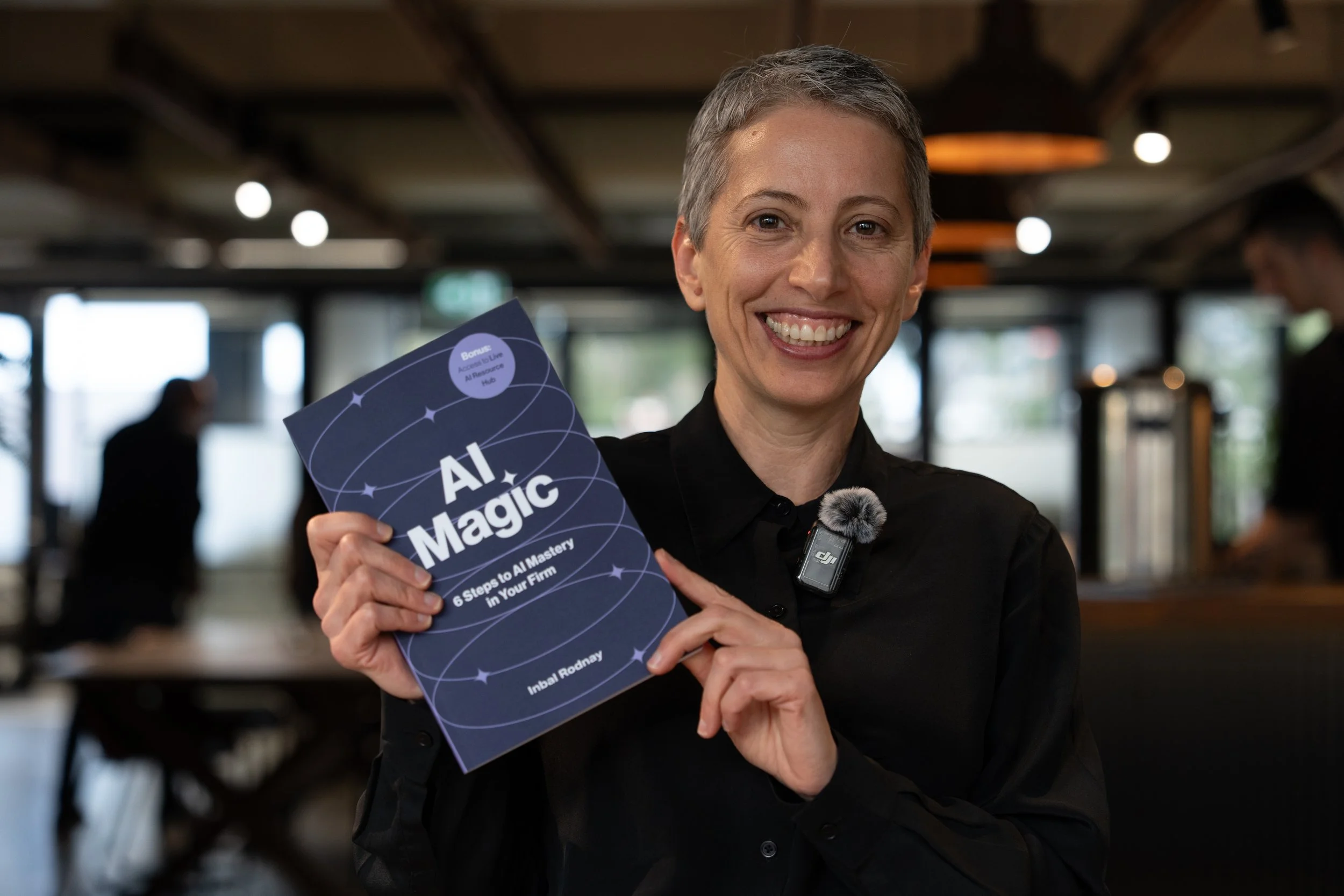
AI Magic: 6 Steps to AI Mastery In Your Firm:
- A step-by-step roadmap that shifts your firm from dabbling to safe, impactful AI Adoption
- A hands-on guide for mastering AI in your firm, solo practice, or team.
- Access to a live AI Resource Hub
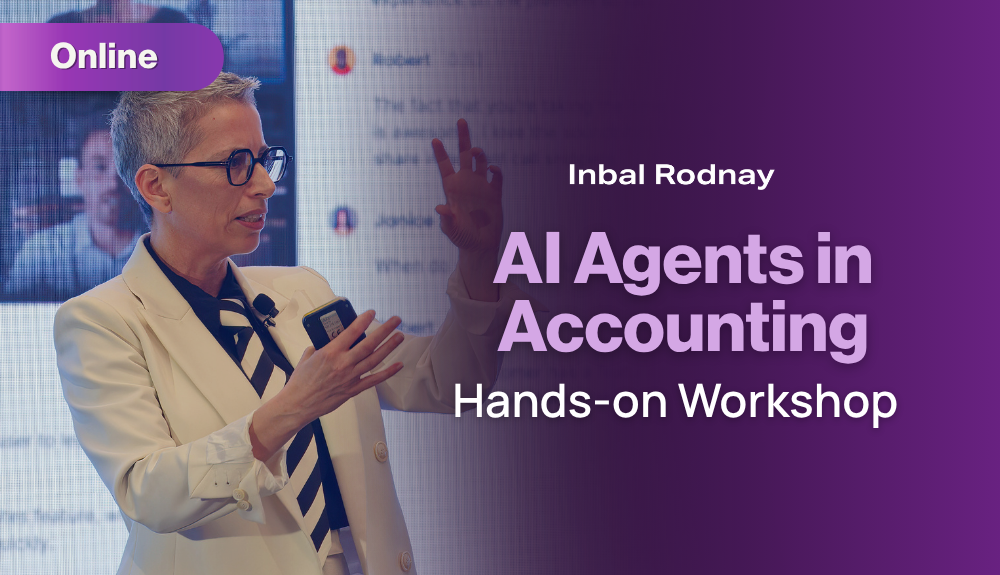
AI Agents in Accounting | Hands-on Workshop (Online, 24 July)
- Understand what AI agents can realistically do in accounting workflows, and how to design safe, sensible use cases.
- Build several working agents step-by-step and leave with reusable patterns for your practice or firm.
4 hours, online, interactive with breaks and Q&A