AI in firms is now moving from small wins to big wins.
Over the past couple of years we’ve heard: "We're adopting AI. We're experimenting. But we're not really seeing the time savings." And that was true. We put our time into learning. We tried things, some worked, some didn't. We wrote nicer emails. Helpful, but not massive.
That's changing now.
The big wins are coming through reusability.
And reusability has a name: Skills.
What a skill actually is
In AI, a skill is like a playbook.
It tells the AI: when I ask you to do this, here's how I want it done. These are the steps. This is what you must get right. These are the colours I like.
Our AI tools are learning to recall these playbooks as and when relevant.
Let’s see it in Claude first, because it's simpler. Then Copilot, where it's just rolling out.
In Claude
In my Claude account I've got a list of skills, mostly ones Claude built for me.
A daily briefing from my calendar and my monthly priorities, with a coach that lives in there. An end-of-day review. My brand kit. A Xero invoice processor that picks up receipts from a folder and sends them across as spend money or bills.
I can call up these skills anywhere in my chats with Claude.
But I rarely do any more, because Claude works it out on its own.
It thinks: "She's asked me to help with this presentation. Let’s quickly look at my list of skills. There's a brand kit, I should use that. She's mentioned this client, there's a skill that knows them. She wants a briefing, there's a skill for that too."
We are growing this library of playbooks, and Claude picks up the right ones on its own. It even updates them when I comment on what it did.
In Copilot
Copilot is heading the same way. A bit slower, but clearly in the same direction.
The first place skills show up is Copilot Cowork. If you don't have it, it might be switched off in your Microsoft tenant.
In Cowork I've brought in plugins. Morningstar, Miro, Canva and a few others. Each one comes with a set of skills.
The Canva plugin brings branded presentations, design translation and implement feedback. The Harvey plugin, the legal AI, brings Ask Harvey, List Knowledge Sources, Ask with Knowledge Sources.
And I can build my own. I made a GST work paper review skill (well, Copilot made it for me). It holds the whole playbook for how I want that review done. I can edit it, and I can share it with my team.
The difference between this and the agents so many of us have built over the last few months? As this matures, skills will get picked up anywhere, without me having to remember to mention them. Similar to how Claude works now.
Coming into the Office tools
In my video, I walk you through it.
Bring up Copilot in Excel and you can choose skills. There's a list. Some built into Copilot, some from the plugins I brought in, and some are my own.
It's in PowerPoint too, a shorter list for now.
In Word they're still showing up as agents.
Chat doesn't have them yet, but the documentation says it's coming.
So soon, skills will show up everywhere.
What this means for you
The shift is from prompts to playbooks. From one-off chat to reusable capability.
Now is the time to build your playbooks.
The easiest way? Next time you do something great with AI, say: "Now write me the skill for the next time."
That's it.
In our AI club, that's what most members are working on right now. We don't need prompt libraries like we built in the past. We need skill libraries our AI understands.
Copilot is still emerging. There's still a vague overlap between agents and skills, and some annoying limitations on what works where. Some skills only work in chat, not in edit mode.
That's temporary, not forever.
When you look at Claude, you see where Copilot is going. Skills that work everywhere. Skills you share with your team. Skills the AI discovers for itself and brings in when it's needed.
That's when it really starts to feel like part of the team, doing things the way you like them.
Want a crash course?
Two ways I can help.
Come to my event. Sydney this week, Melbourne next week. We go through your baseline, make sure everything is in place, and work out how this fits your workflow and how to keep safe.
If that's too soon, join my AI for accountants club. The next intake is September. You'll come straight into a session with Lander & Rogers on the legal questions the club has about using AI in accounting, and you'll have all the training included: Copilot, Claude, AI policy, AI agents, the lot.
More than anything, you'll hear what everyone else is doing, and join our prompt parties, where we share prompts and have a lot of fun.
You’ve got this!
--
Inbal Rodnay
Guiding Firms in AI Adoption and Automation
Keynote speaker | AI Workshops | Executive briefings | The Tech Savvy Firm
When you are ready, here is how Inbal can help:
AI with Inbal
- Meetups: See what other firms are actually doing: real use cases, real results, no polish.
- The Radar: What to act on now, what to watch, and what to safely ignore
- The resource hub: prompt packs, policy templates, and implementation guides
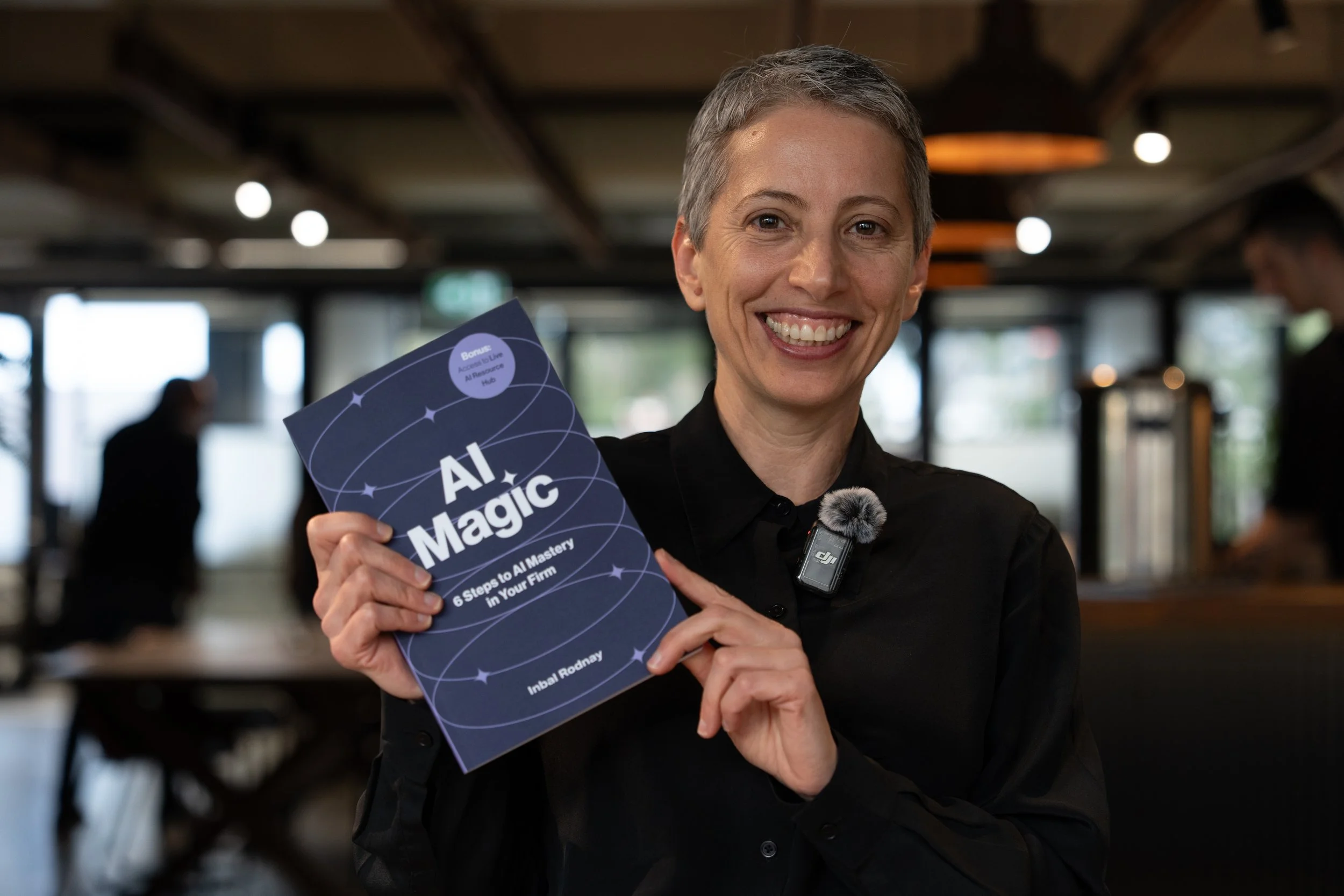
AI Magic: 6 Steps to AI Mastery In Your Firm:
- A step-by-step roadmap that shifts your firm from dabbling to safe, impactful AI Adoption
- A hands-on guide for mastering AI in your firm, solo practice, or team.
- Access to a live AI Resource Hub
AI Bootcamp in Sydney
- Practical, business-safe AI use cases
- How to move from “sporadic prompting” to real workflow
- What AI agents are, and what they can do for you right now
AI Bootcamp in Melbourne
- Practical, business-safe AI use cases
- How to move from “sporadic prompting” to real workflow
- What AI agents are, and what they can do for you right now