Microsoft is rolling out the new Copilot.
New capabilities and a lot of stuff moving around.
It's rolling out bit by bit, so some features are here and some not yet, depending on your geography, your licence and other magical Microsoft reasons.
So let’s take a deep breath and go through the changes and understand what they mean for us.
Home, Code, Chat and Cowork
The first thing you’ll see is the main navigation.
There’s a new Code option next to Home, and inside Home, Chat and Cowork now sit side by side, right in the prompt box.
And this isn't the final destination. Autopilot is about to arrive too.
Autopilot is where Copilot becomes a team member, with a goal and a role, permissions, and tasks it runs for us.
Work IQ is always on in Cowork
Work IQ is the connector into our Microsoft environment: SharePoint, Teams, Outlook etc.
In Chat I can turn it on and off, depending on how I want to work.
In Cowork I can't. Cowork needs it in order to work.
Effort levels in Cowork
In Copilot Chat, on the paid edition, we’ve had the Quick Response and Think Deeper options.
Cowork is lining up with Claude and ChatGPT with effort level control: Light, Medium, High, Extra High and Max.
These are not intelligence levels. The model is the intelligence.
Effort is how many loops it does to check itself and improve, how many sources it looks at, and how deep it goes into them. The lower the level, the quicker the response.
When I just want to chat, I go Light. I don’t want to have to wait.
Most of my work I do on Medium, I need my AI to think.
I use Extra High when I send it on a real research mission or to prepare a whole pack that includes research, writing, fact checking and more. For example, taking all my material from one industry and building new material for a different industry, with all the fact-checking and background material.
It takes longer and can use more credits, but it comes back with a polished, well-rounded job.
It's like sending someone to the library to do their homework, rather than just asking them a question at their desk.
I do my extra high work in Claude, because it uses my normal subscription allowance, whereas Copilot will charge me extra for that.
Plugins
A plugin is a set of connectors and skills, and in Copilot's case, agents too.
All the agents we created in Copilot, like the GST reviewer, have now moved to the Plugins area.
For example, the Canva plugin comes with the Canva connector, so I can ask Copilot, "Can you find me the Canva file on whatever? Can you duplicate it and update it for this event?" And it comes with a set of skills, like branded presentation and bulk create. Each skill tells Copilot how I want something done.
Microsoft has released its own plugins too. Accounting for Cowork is a set of skills: things like financial statements, financial presentations and reconciliation.
It's really interesting to go and read the prompts and see how they instruct the AI.
I had a look, and most of them are written for the US. But it wouldn’t be hard to ask our AI to adapt them to what we need in Australia or New Zealand.
Skills are still a bit half-baked
Skills are finally in Copilot chat, but they are still a bit all over the place.
There are separate sets of skills for Excel, PowerPoint, Cowork and now Chat. We're waiting for them to come together rather than being split by product.
That's how it is in Claude and ChatGPT: one set of skills that works everywhere.
As a demo, I created a client email skill in Cowork. Just so I could see it was really being used, I asked it to start the subject line with "Quick answer" and to sign off "Cheers" with a rhyming couplet.
In Cowork, it worked perfectly on the first try.
Once I'd created the skill, I published it (just to myself), and it became a plugin that showed up in Chat.
So I started a new chat, mentioned my skill, and asked for the same email.
It wrote a very generic email.
I asked, "Did you use the skill?" and it said no.
Turns out that for now, Chat can see our skills, but not use them.
I'm sure that's temporary.
So why not just use Cowork all the time?
In Claude and ChatGPT, we do.
Claude is even merging chat and Cowork into one so we won’t have to make the decision.
But Copilot still charges for Cowork on top of our subscription.
That email rewrite was 15 credits, which is 15 US cents.
I'm sure Copilot will get there too, when they decide to include some Cowork capacity in our Premium subscription. But we’re not there just yet.
Automations: go and look at Discover
Automations are tasks or prompts that run on a schedule, or on a trigger, whenever something happens.
If you've got time, go to Discover. There are so many ideas there, and when you select one you see the prompt and can adapt it to your needs.
It's really interesting to look around and get ideas for what to do.
Workspaces
When I saw Workspaces I thought, "Oh no, now I have to understand this new concept. What’s that?"
But really, they renamed Notebooks, with a few more capabilities.
When we create a workspace, we add context. It's a project, a client or an area of work.
That can be files, links in OneDrive, meetings and emails, and the new ones I find interesting: SharePoint sites and Teams chats.
For example, I created one for our business finance. It links to the finance chat in Teams, an admin area with our financial files, and our Business Brain, the SharePoint site where we share context and instructions for our AIs on how to work and what they need to know about the business.
Then I bring my teammates into the workspace, and whenever we need an AI that is across our business finance (or this client, or this project), we go there.
Workspaces also create mind maps, infographics and audio overviews, which are like a podcast episode on the workspace's topic. We can use that to get on top of a topic, or to train our team or our clients. It's a bit like Google's NotebookLM mixed with Claude projects.
My favourite thing about Workspaces is that they make suggestions. Copilot noticed I was working on a workshop called Delegate to AI, and suggested a workspace for it, with the right documents for context and some custom instructions.
If you're not seeing everything I'm seeing
It could be:
Your licence. I'm on Copilot Premium. If you're on Copilot Basic, Work IQ won't reach your emails and files, and you won't see everything here.
Cowork isn't enabled in your tenant. It needs a budget set up.
You're not on Frontier, Microsoft's early access program. You turn it on in your Microsoft tenant admin.
Or it's just the rollout. By geography, licence, and other segmentation. It's all coming by the end of November.
This is how we'll work in 2027
We'll be working with connectors, so we're no longer going to other apps to get information or do things. We just ask Copilot, Claude or ChatGPT to do them for us.
We'll be working with context, like those workspaces and our Business Brain, so the AI knows what's going on.
And we'll be teaching our AI how we want it to work, with skills. That's not as complex as it sounds. Whenever I finish a task and I like how it worked, I tell the AI, "Now make it into a skill." It writes down the whole instruction, I share it with my team, and when I want it to work slightly differently, I ask it to update the skill. That's all it is.
It can feel daunting. Everything's moved around and there's a lot that's new.
But if you get on top of connectors, skills and Cowork, you're there with the early majority.
The rest is innovator and early adopter land, and it will come to the mainstream. We’ll get there too.
Your next step
Spend 10 or 15 minutes today clicking around and trying something new.
And if you don't have Cowork, maybe get it set up with a reasonable budget. Even $50 will give you a good runway to get a sense of how it works.
We've got this
--
Inbal Rodnay
Guiding Firms in AI Adoption and Automation
Keynote speaker | AI Workshops | Executive briefings | The Tech Savvy Firm
When you are ready, here is how Inbal can help:
AI for Accountants Club
- Meetups: See what other firms are actually doing: real use cases, real results, no polish.
- The Radar: What to act on now, what to watch, and what to safely ignore
- The resource hub: prompt packs, policy templates, and implementation guides
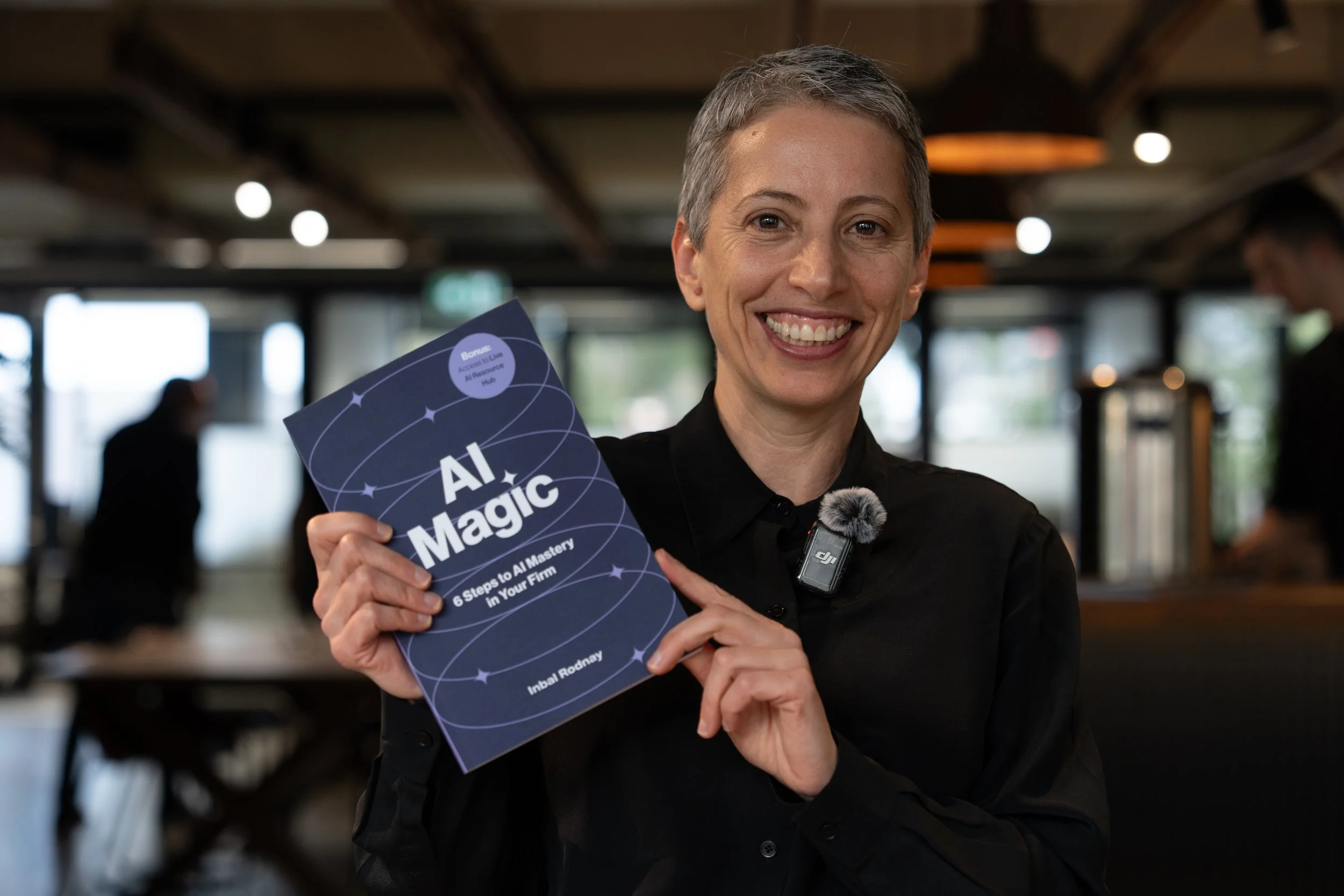
AI Magic: 6 Steps to AI Mastery In Your Firm:
- A step-by-step roadmap that shifts your firm from dabbling to safe, impactful AI Adoption
- A hands-on guide for mastering AI in your firm, solo practice, or team.
- Access to a live AI Resource Hub