If you're using Claude but you're only using it in the browser, you're missing out.
And worse than missing out, you're actually taking a bit more risk and giving up all of the reward.
Claude hasn't always been this popular with accountants and lawyers, or generally with professionals in highly regulated environments.
But that has changed.
In the last implementation session at our AI club, we had a breakout room specifically for Claude, and half the people online joined it.
Accountants are starting to use Claude. A lot.
So let me tell you about a thing I did with Claude last weekend, and then I'll show you the tools I used to make it happen.
What I did with Claude
Last weekend I sold some investments, and that meant I had to go onto the websites of brokers and funds and download distribution advices and DRP statements and fund tax statements etc all going back for years, because I'd held them for years. It ended up being 139 files.
Claude helped me in the browser. It worked out where I needed to go on each site to find the page where the statements live, and on some of them it actually sat there and downloaded them for me, the ones that were a dozen clicks and save, click and save.
Then it took the 139 files, organised them into folders, renamed them all nicely
Finally it made a spreadsheet to summarise it all.
Then it told me we were missing one statement.
Out of 139 files.
So we went and found it.
My accountant is very happy 🙂
How did I do all that on the one Claude subscription?
Let me show you the tools.
Go into your Claude account in the browser, click through to the option to download, and you'll find all these goodies.
Claude Desktop is where you find Cowork, the option to work together on your files. It has access to local folders and files and it can work on your device.
The Claude extensions for Excel, PowerPoint, Word and Outlook are brilliant.
Claude in Chrome can drive the browser and click around. That's how it helped me find where to download my statements and helped me download them.
Claude Code is one that accountants are starting to pick up too. It helps us build utilities. It's how I built my process that renames invoices and receipts and pushes them into Xero, and how I connected Claude to my Teams, so my team members can chat with my Claude.
Across all of these, Claude can learn skills, use connectors, and run projects and schedules, so you can fire off tasks automatically every night or every day and just organise your world. And then there’s the concept of a second brain, all there to help Claude become the best coworker you can have.
Skills are a good place to start. A loan amortisation schedule. A reconciliation skill. Your brand kit. Your brand voice. Your daily brief. Your workpapers.
What if your IT has locked it down?
In my one-on-ones with club members, I saw that there's a real variety in what people are able to use on their own devices.
Some IT support people lock down the ability to install Claude at all. Others allow you to install it, but limit its access to your file system, so some of the power is inaccessible.
All of it can be resolved. We just need to talk to your IT people about why they blocked what they blocked.
If it's just a generic statement, that's not good enough. There are valid arguments around where data is stored, who has access to it, and retention policies. But still, many accountants and lawyers read the fine print, and make an informed decision to use Claude.
So I say, it’s worth digging into (and I’ll do that with you in another newsletter).
If you do one thing today
Download Claude Desktop, go to Cowork, and get it to organise a folder for you.
It's amazing.
P.S. If you want to do this together, I'm running a workshop next week. Ninety minutes. We're going to get everyone set up with all the tools, understand all the parts of Claude, when to use what, great use cases for each, starter packs, and get you all set up.
Join me at inbal.com.au/events
We've got this!
--
Inbal Rodnay
Guiding Firms in AI Adoption and Automation
Keynote speaker | AI Workshops | Executive briefings | The Tech Savvy Firm
When you are ready, here is how Inbal can help:
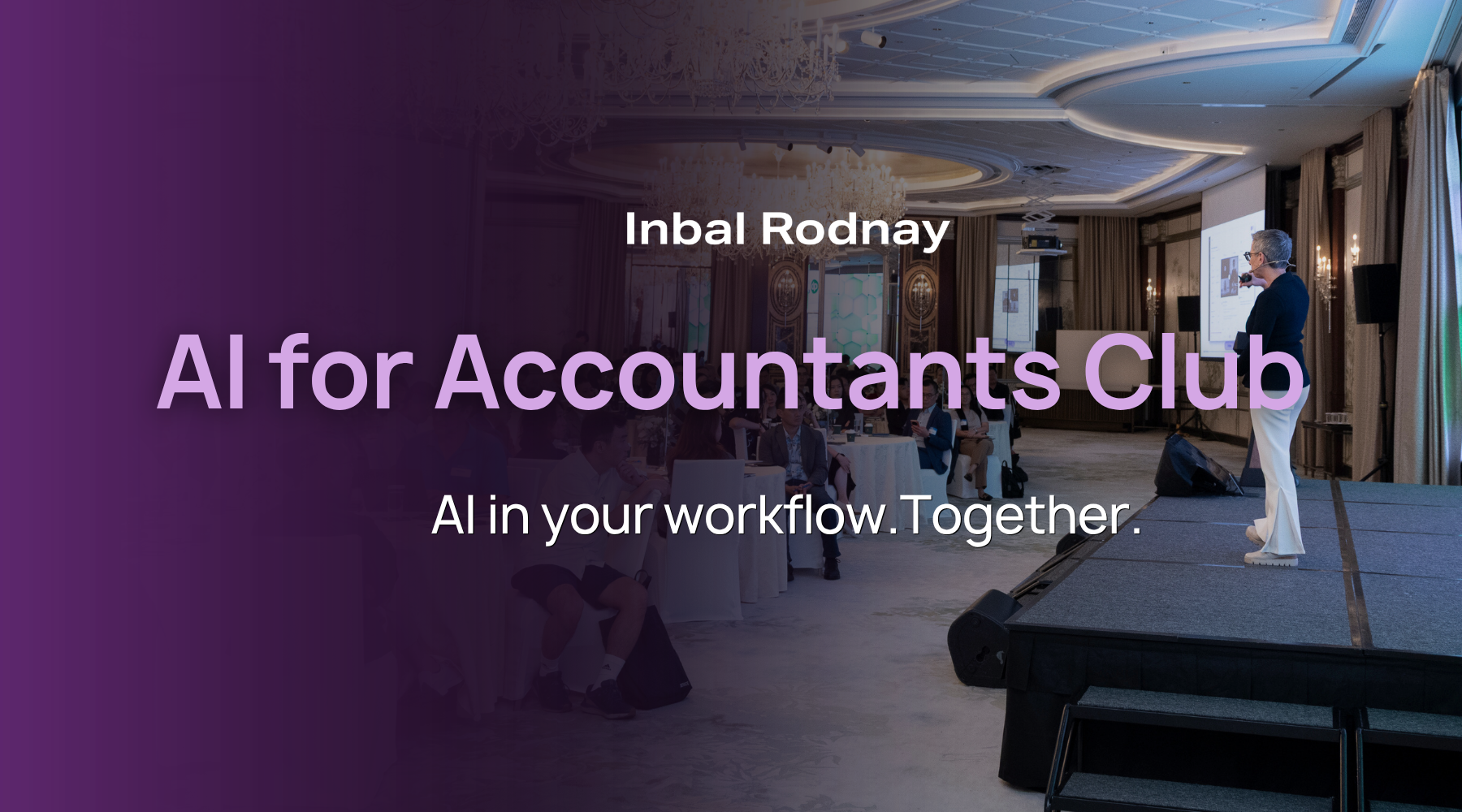
AI for Accountants Club
- Meetups: See what other firms are actually doing: real use cases, real results, no polish.
- The Radar: What to act on now, what to watch, and what to safely ignore
- The resource hub: prompt packs, policy templates, and implementation guides
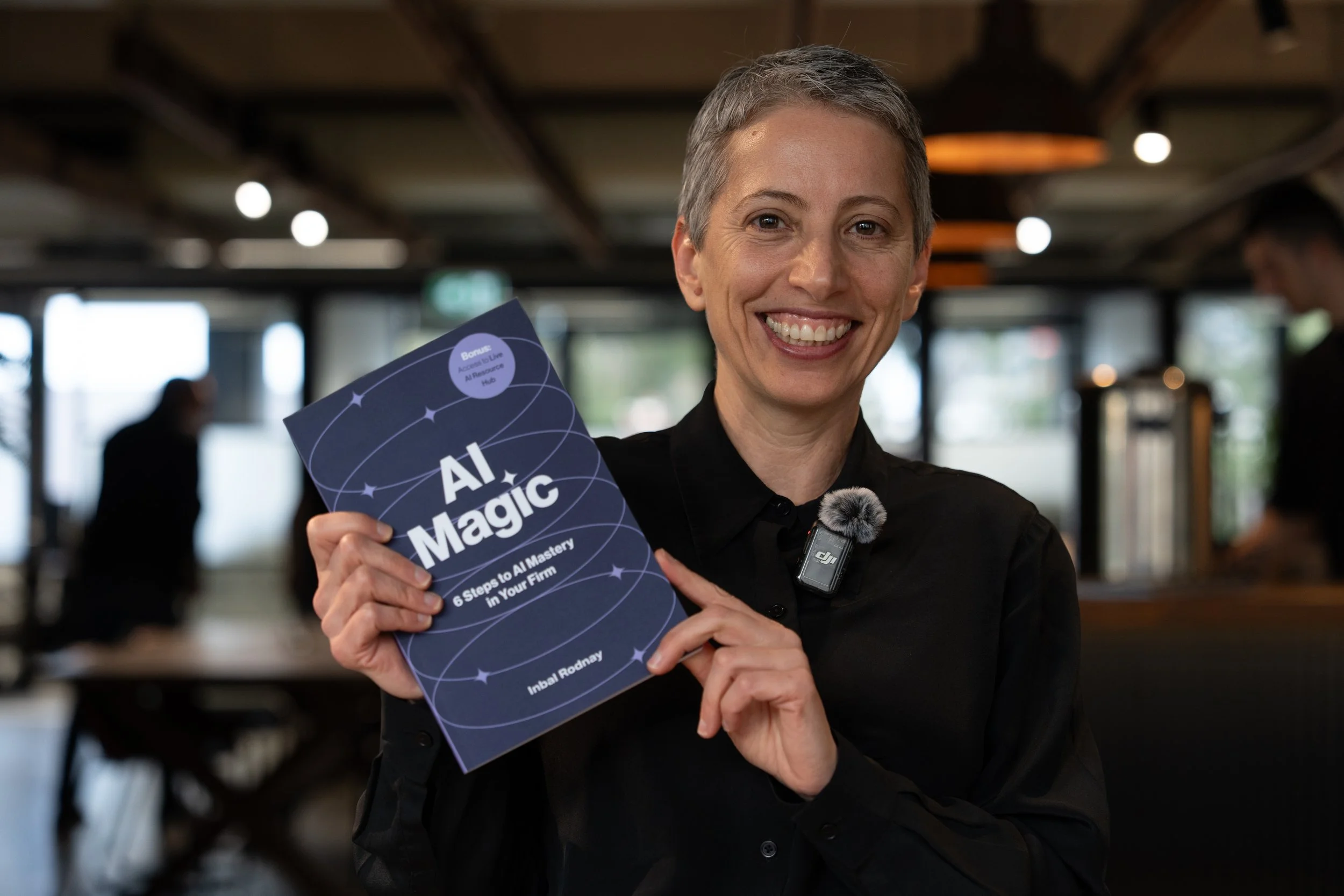
AI Magic: 6 Steps to AI Mastery In Your Firm:
- A step-by-step roadmap that shifts your firm from dabbling to safe, impactful AI Adoption
- A hands-on guide for mastering AI in your firm, solo practice, or team.
- Access to a live AI Resource Hub