Copilot now has skills in Excel. Yay!
I find this very exciting. Let me show you why.
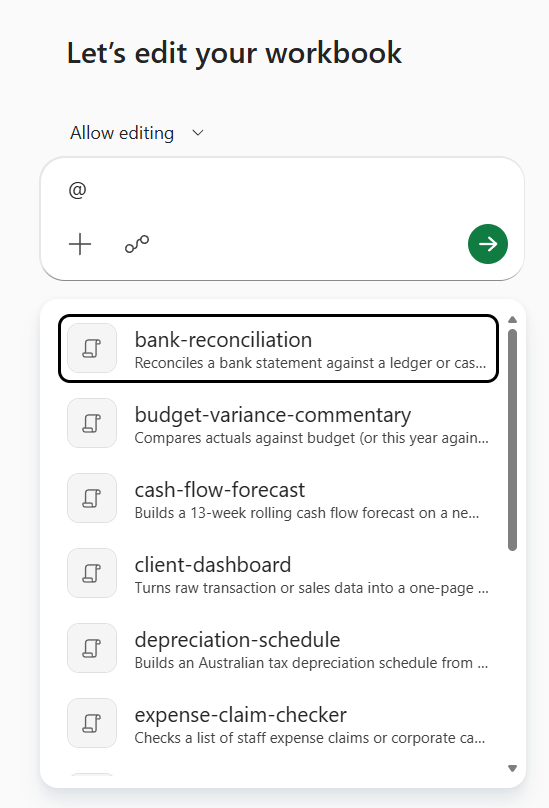
What it actually looks like
In the video I show how I bring up Copilot in the sidebar of Excel.
There, I choose from the list of skills I created for it.
I choose one (in this case, bank reconciliation). I don’t add anything to the prompt. Nothing. And off we go.
The skill knows what to do. It works through my spreadsheet, highlights the lines that match in green and the ones that don’t in red, makes a reconciliation summary page at the front and logs all its actions in a sheet at the back.
That’s it. All done, all how I like it.
What actually happened
The skill is a detailed prompt saved as a file.
It tells Copilot how to do the thing I am asking so I don’t need to explain it every time.
In my case, it includes the instructions to highlight, summarise and log an audit trail.
And yeah, I got my AI to create a bunch of skills for me to experiment with. I didn’t write any of it myself.
Where skills live
Copilot skills live in my OneDrive folder.
Each skill lives in its own file.
It’s all human-readable, just a structured set of instructions.
(The file is called a Markdown (md) file. But it’s really just a simple text file, with things like hashtags to indicate headings. AIs love md files.)
As part of my instruction, I told Copilot to look for a sheet named Copilot Log. If it does not exist, create it. If it does, add to it. That’s why I got that lovely log at the back.
That’s it. Plain English. Write it once, and it happens the same way every single time.
Where it is limited today
Right now, it is still a bit clunky to manage skills for Excel.
You have to go to OneDrive and save a file there. So you need to know where to go and deal with how sensitive it is to naming and structure.
In PowerPoint there is already a user interface to edit and delete skills.
In Cowork there is even a user interface to add a new skill.
In Word, nothing yet. No skills.
But of course, it’s all coming, and soon it will be easy to manage skills everywhere (I know that, because that’s how it is in Claude, so it will happen in Copilot too. Soon).
Sharing is another weak point right now.
To share a skill with my team in Excel, we all have to copy the md file to our OneDrive folders.
PowerPoint already knows how to use Organisation skills (which I publish once for everyone).
And Cowork even has a share button.
So a bit inconsistent still, but we know the mess is temporary. It will get easier and more unified. Give it time.
So why are skills better than agents in Copilot?
Because right now, Copilot agents only work in chat mode in Excel.
Skills work in edit mode.
Much, much better.
So the GST reviewer we built as an agent in the club? It’s going to become a skill now.
Claude has been doing this for a while now. Skills, centrally managed, easily shared.
Now Microsoft is getting there too, with Microsoft-level security.
Was it worth the wait?
What you should do today
Give it a go. Have a play.
Create one skill and run it today, just so you can get a feel for how well it works.
In my experience, skills are also significantly more consistent than agents in how they behave. What’s not to love?
To get started, get your AI to write the skills. Tell it:
Prompt: Go and learn online about Copilot skills in Excel, suggest five skills I can use for my work, and create the md files for me.
That’s it.
Then open Excel and test them out.
Have fun!
--
Inbal Rodnay
Guiding Firms in AI Adoption and Automation
Keynote speaker | AI Workshops | Executive briefings | The Tech Savvy Firm
When you are ready, here is how Inbal can help:
AI for Accountants Club
- Meetups: See what other firms are actually doing: real use cases, real results, no polish.
- The Radar: What to act on now, what to watch, and what to safely ignore
- The resource hub: prompt packs, policy templates, and implementation guides
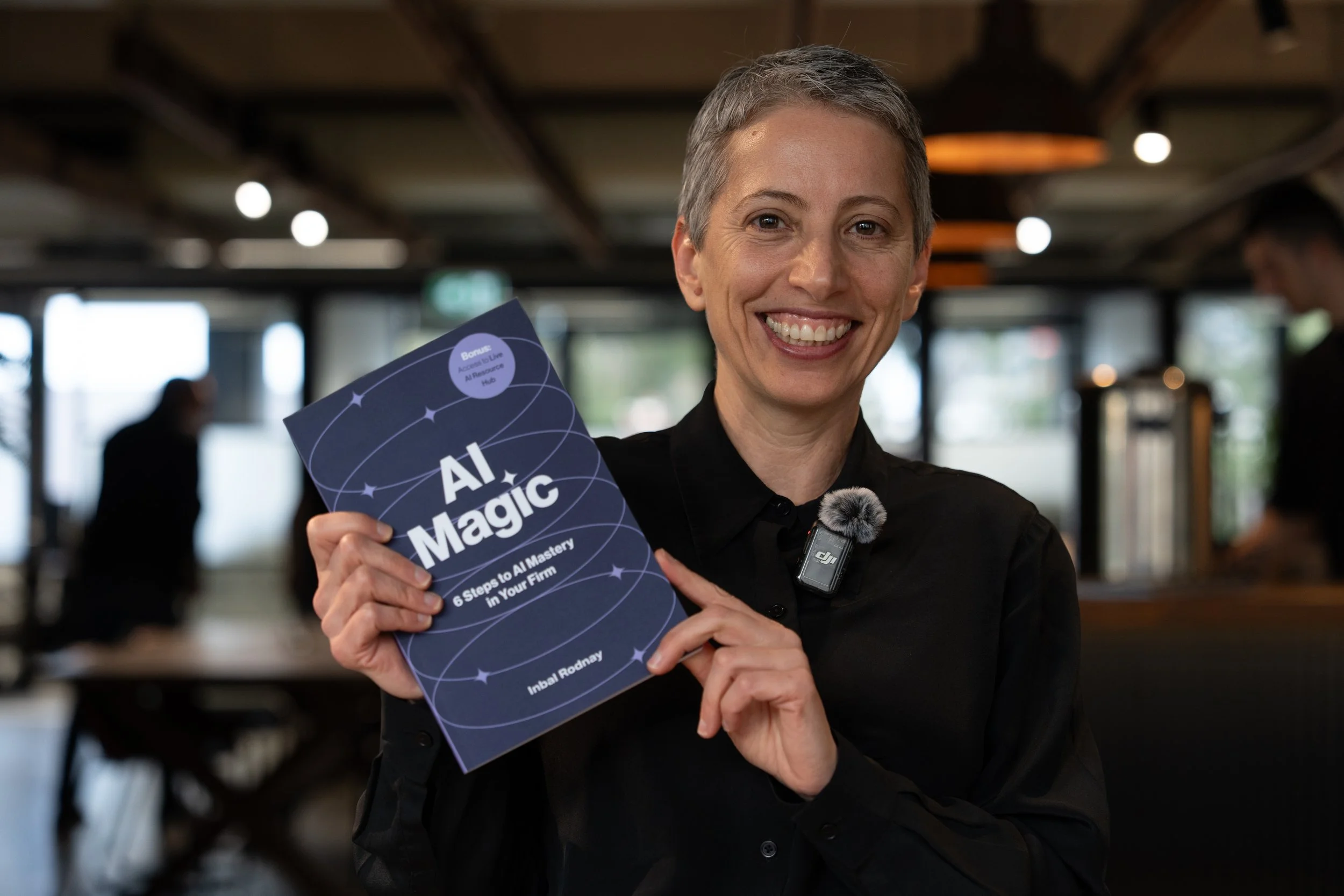
AI Magic: 6 Steps to AI Mastery In Your Firm:
- A step-by-step roadmap that shifts your firm from dabbling to safe, impactful AI Adoption
- A hands-on guide for mastering AI in your firm, solo practice, or team.
- Access to a live AI Resource Hub