How I actually prompt: chat vs Cowork
I asked my AI to go through our chat history and tell me how I actually prompt. Not how I teach people to prompt. How I actually do it every day.
It came back with two lists. One for chat, one for Cowork.
Makes sense.
Because prompting for Cowork is different from prompting in chat.
One is a conversation. The other is delegation.
Here are the top three in each.
My top three habits in chat
According to my trusty AI, these are my top three habits in chat:
1. Start with options. Rather than saying, "Let’s do a thing", I say, "This is what I want to achieve. What are my options?" This opens up ideas and directions before I decide. Sometimes the AI comes up with things I didn’t think about. And in any case, as we progress with our work, it already has good context.
2. Ask it to ask me. I say, "I want to do a thing. What do you need to know?" Then it asks me the questions. All the AIs now do this nicely, with a little widget and buttons I can choose from. I just click the answers I want. That makes it so easy, and it feels structured and easy to move through.
3. Tell it what I think before I ask it to comment on it. For example: "Here is how I think we should treat GST with club members who are New Zealanders. Is that right?" Or: "I think our members enjoy this kind of activity. Look at the transcripts and the emails. Is my perception correct?"
The difference between that and asking the question cold, like, "What are the GST rules for New Zealanders who are members of an online service offered from Australia?", is that I am not going to get an essay on the topic. I am going to see the gap between my thinking and the evidence it can find. This is a lot more useful to me.
It is the next step in my thinking.
My top three habits in Cowork
Cowork is about delegation. It is about getting it to do the task the way I want it done, in as few iterations as possible.
So the habits are very different.
These are my top three according to my AI:
1. Give it the thing, rather than describing the thing. If it is a Word document or an Excel spreadsheet, I will open Claude or Copilot on the sidebar and work inside the document. Rather than say "I need you to make me a file" and describe what the file will be like.
If I am preparing handout materials after a keynote, I will give it the one we did last time and say "do a version of this one, for this new session."
This is the simplest way to preserve our brand voice, format documents and make things look the way we want them to.
Not describing them.
Working in the actual thing, or giving it one to copy from.
2. Do one first, then the batch. Because it is going to do real work for me, and because it takes time (and, with Copilot, also money), I always ask it to do one first.
Say I have just created 25 contracts that need to go to 25 different people, and I want Cowork to draft all those emails and attach the documents.
I get it to do one.
Then I review it and realise the email doesn’t flow well enough.
We fix it and do another one.
Then I see that the attachment name is very long, and I cannot tell whether it is the right one.
So I ask it to rename them and try again.
And once I get one that works really well, and then five that work really well, I go: "Great. Now do the batch of 25."
3. Ask it to remember it for next time. Whenever we work on something and go through a few iterations to get it how I want it, I ask it to remember that for next time.
It might keep it in its memory.
Or it can record a skill in Claude and Copilot.
Or it will update a playbook in our second brain folder.
Wherever it lives, I need the AI to remember it for next time.
That is how it becomes smarter and smarter for me.
And of course, with Cowork, there is the obvious rule: draft everything, never send. It has connectors into my email, the club posting area and so many other places.
The rule is always: create a draft, never send, never publish. I need to review.
We already know how to do this
You know what? We already know how to do all of this.
This is how we delegate work to humans too.
We show them an example rather than describe something.
We will draw it for them on a piece of paper or show them how we did it last month.
We do not describe the outcome in words and expect it to look like the thing in our head.
When we want them to do a big job, we get them to do something small first and show us. Then we give feedback before we ask them to do the rest.
And when we give them feedback, we expect them to remember it for next time.
It is very similar.
Go and try something today
Go through my list again. If there is one of my three chat habits that you are not doing, try it.
Then go and try the Cowork ones.
If you are on Claude, you have Cowork there.
If you are on Copilot and you cannot see it, it might be turned off in your Microsoft tenant. You need to turn it on, and you need to set up a budget so that it works.
And if you are on Copilot and cannot get Cowork because it is outside your control, at least get used to using Copilot inside the apps. In Word, in Excel, in PowerPoint. It makes such a difference.
We’ve got this!
--
Inbal Rodnay
Guiding Firms in AI Adoption and Automation
Keynote speaker | AI Workshops | Executive briefings | The Tech Savvy Firm
When you are ready, here is how Inbal can help:

AI for Accountants Club
- Meetups: See what other firms are actually doing: real use cases, real results, no polish.
- The Radar: What to act on now, what to watch, and what to safely ignore
- The resource hub: prompt packs, policy templates, and implementation guides
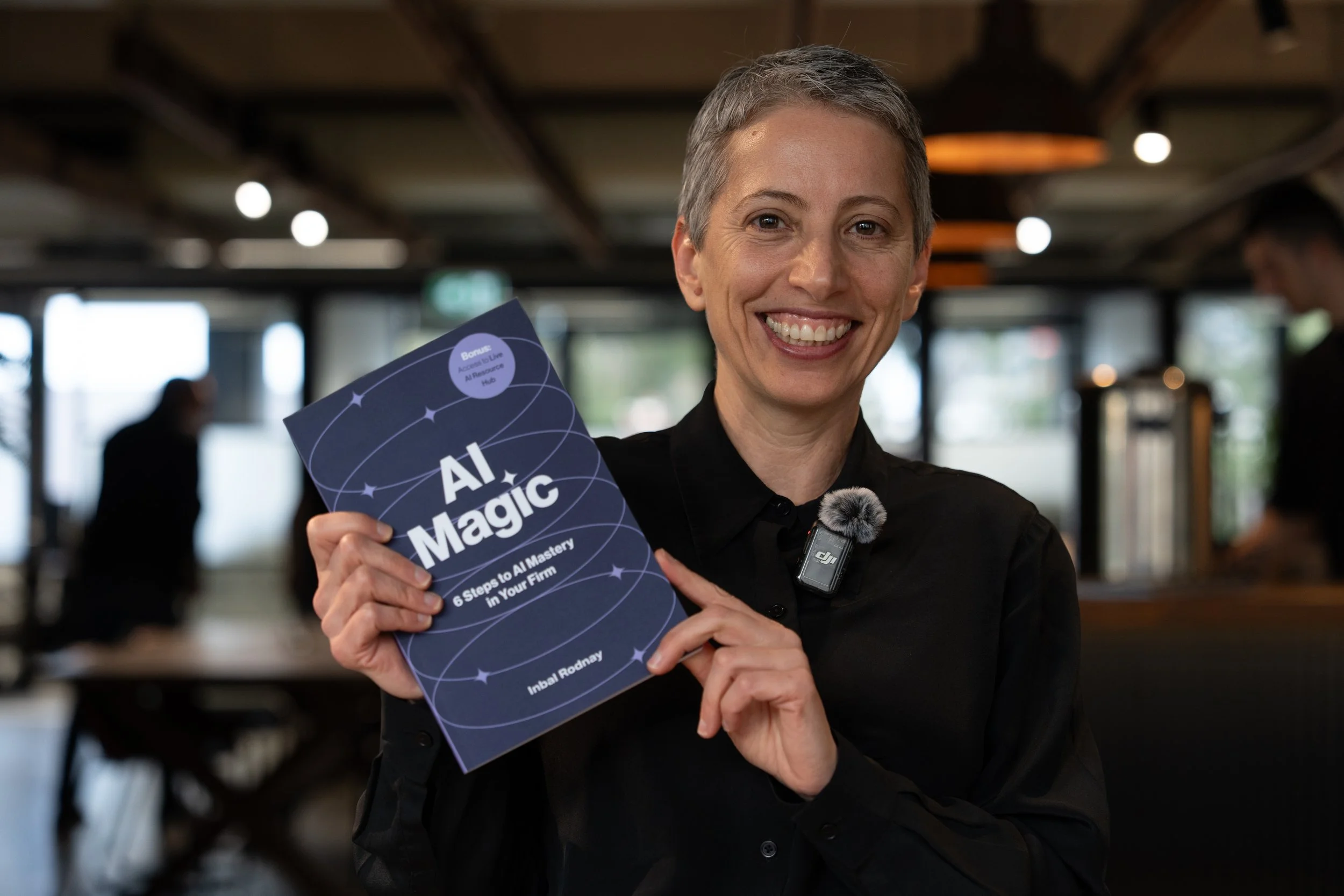
AI Magic: 6 Steps to AI Mastery In Your Firm:
- A step-by-step roadmap that shifts your firm from dabbling to safe, impactful AI Adoption
- A hands-on guide for mastering AI in your firm, solo practice, or team.
- Access to a live AI Resource Hub