What the new Xero and Claude integration actually does (and doesn't do)
I got really excited about Xero and Claude integrating.
Then I got unexcited.
Here’s exactly what happened.
The moment that started it
We were in a live implementation session with members of the AI with Inbal Club.
Ben, a New Zealand accountant, had built an AI workflow that creates a full GST review workpaper: takes the data, organises it, flags recommendations and issues. Fantastic.
The only step he still had to do manually, besides reviewing, was downloading the reports from Xero.
Then Ben asked: "Have you tried the new Xero and Claude connection that just launched?"
I hadn't. So I jumped in right there, live, with everyone watching.
What Xero and Claude are promising
The announcement looks great.
Xero says anyone with an active subscription can bring their financial data directly into Claude conversations.
Revenue and profit, contacts and receivables, financial position, cash position.
And they specifically note that data shared between the platforms is never used to train Claude's AI models.
Tick, tick, tick. Let's set it up.
What I actually found
I connected the integration and asked Claude: "What's my latest invoice in Xero?".
Simple, right?
Claude thought about it for a moment.
Then it said: "The Xero tools available are limited to financial summaries and organisation info. They don't have the tool to pull individual invoices directly. The best way to check your latest invoice is to go to Xero."
Hmm.
So I went into the connector to look at what tools it actually exposes. Here's the full list: get cash position, get contacts and receivables, get financial position, get profit and loss, get top customers by revenue.
That's it.
No write access.
No invoice detail.
No transaction-level data.
And it only connects to one Xero org at a time. If you want to switch to another file, you have to disconnect and reconnect.
So it's built for the business owner, not the accountant managing multiple clients.
And… for the business owner with one entity only.
What about the Microsoft side?
Most accountants who are Xero partners are on Microsoft Copilot, so I went looking there too.
I found something called Finance Admin for Xero. It promises invoice and bill categorisation, approvals in Teams, financial summaries.
But when I looked more carefully, and noticed it's a third-party plugin. Not Xero. Not Microsoft. Someone else. Which means I’d need to go investigating: who are they, what do they do with my data, where is it stored, am I comfortable with them as part of my workflow.
So, not much luck there either.
What this actually means
Here's the bigger picture.
The Xero MCP integration is real and it works. But the MCP server Xero built exposes a limited set of tools to the AI.
That's not a flaw in the technology.
It's a decision Xero made about what to surface.
And for now, they've chosen high-level summaries, not granular data.
And they chose read-only, not every day activity.
That will probably expand. But right now, if you're hoping to use this to replace the manual Xero export step in your workflow, you're not there yet.
What I will experiment with next: giving this tool to my Claude CFO to see if it can get everything it needs for our monthly financial review.
What actually works today
At the same implementation session, I built (ok, AI built) a small utility that takes PDFs and images of receipts, categorises them and pushes them into Xero for me as Spent money transactions and bills. With the attachment.
How? Well, using good old APIs. Not flashy MCP.
If the club wants, we’ll do a step by step session on that so everyone can copy.
Keeping on top together
If you want to be doing this live with a group of other accountants, testing things together, sharing what works and what doesn't, the AI with Inbal July cohort is now open. About a third of the spots are already taken. Join here
-
Inbal Rodnay
Guiding Firms in AI Adoption and Automation
Keynote speaker | AI Workshops | Executive briefings | The Tech Savvy Firm
Want to receive these updates straight to your inbox? Click here: www.inbal.com.au/join
When you are ready, here is how Inbal can help:
AI with Inbal
- Meetups: See what other firms are actually doing: real use cases, real results, no polish.
- The Radar: What to act on now, what to watch, and what to safely ignore
- The resource hub: prompt packs, policy templates, and implementation guides
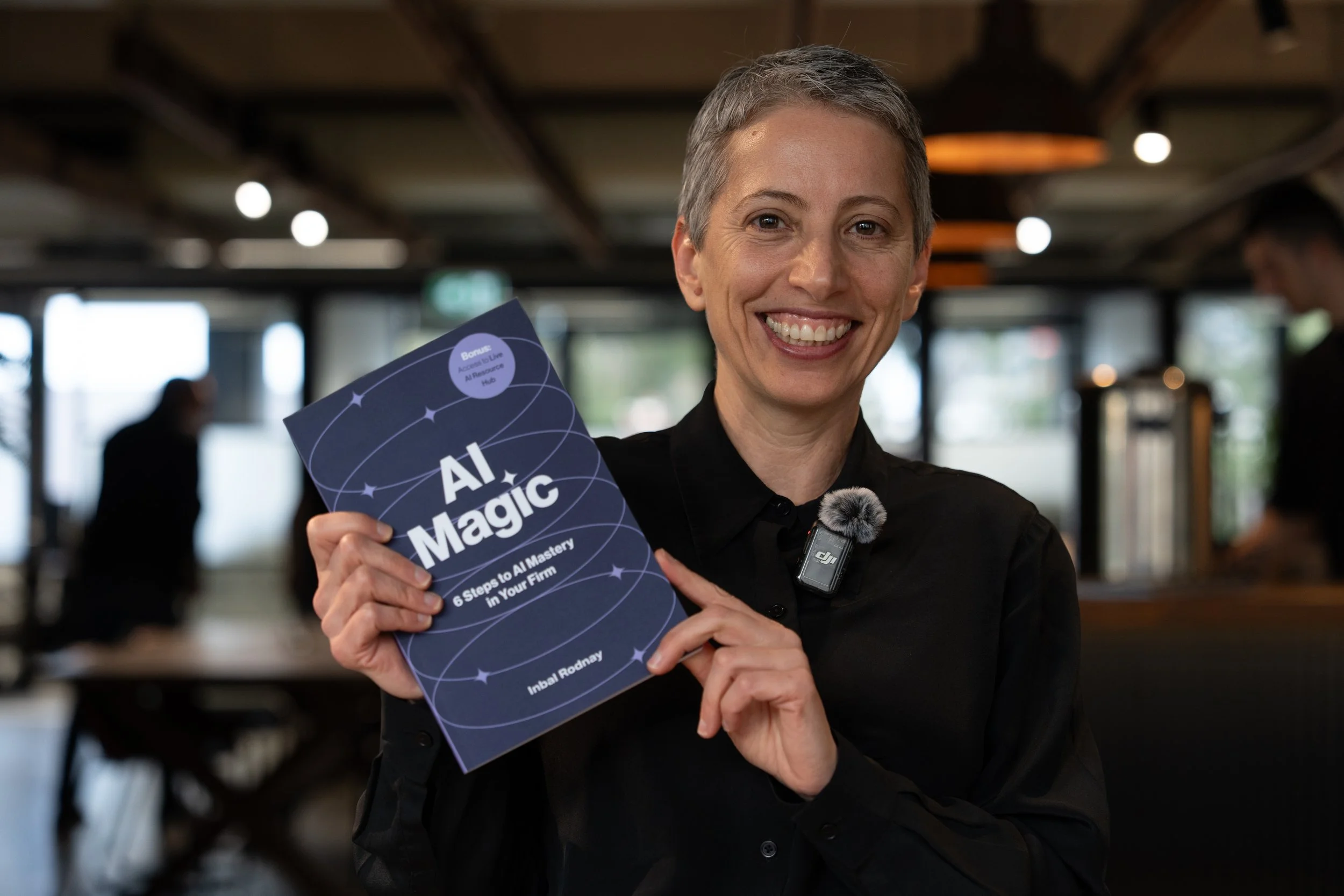
AI Magic: 6 Steps to AI Mastery In Your Firm:
- A step-by-step roadmap that shifts your firm from dabbling to safe, impactful AI Adoption
- A hands-on guide for mastering AI in your firm, solo practice, or team.
- Access to a live AI Resource Hub

AI Bootcamp in Sydney
- Practical, business-safe AI use cases
- How to move from “sporadic prompting” to real workflow
- What AI agents are, and what they can do for you right now