Copilot can finally make documents that actually look like yours
Hallelujah.
AI is finally really good at making documents that look and sound like we want them to.
It’s been a struggle for a long while. Getting AI to write in our brand voice. Getting documents in the format we like them, with our brand headers and footers and the images and the structure of the document.
But we are there now, and I want to show you the best way I know how to do it.
What they are handing over
We go into a prompt. We upload a meeting summary or a transcript, and we say, "make this into an advice letter," or "make me an engagement letter."
Most of us have worked out that attaching an example beats trying to describe what we want. That helps. But you still end up with the formatting a bit off and the document not looking quite how you like it, especially with things like images in the header and footer.
The principle is right. Rather than describing the thing, show the thing. But we can do even better!
Why this works so much better
The layout stays intact. The images, the header, the footer, the structure, the headings, the formatting. The language matches, because it is editing your words instead of starting from scratch.
And that is magic. ✨
One step better
If I want an even stronger result, I don’t ask for the edit straight away.
Instead, I start in the chat: "Here is a transcript, here are my notes. What do you think we need to change?"
It gives me a list. I negotiate. Yes to this. No, not that. And actually, we also need to cover this other point.
Only once we have finished that conversation do I say, "right, now go and apply the changes."
If you can't see the button
With Copilot: if you don't have that floating Copilot button in the corner of your document, you may be on Copilot Basic instead of Premium, or you may need to talk to your IT team.
With Claude: go to your Claude account in the browser or the desktop app, click your name on the bottom left, and go to apps and extensions. All the plugins are in there for you to install.
The bigger shift
What I find really exciting about this is that AI is coming further and further into our workflow. That is what agentic AI actually looks like in practice. It collaborates with me in my documents, in my spreadsheets, wherever I already am, so I am not off in a chatbot on the side having a conversation about my work and then copying and pasting the results back.
I love that.
And as it moves into our environment, it gets easier and easier to get it to produce work that is aligned, without having to spend a lot of effort describing how we work. It just sees the document. It lives in the environment. It’s there with us.
A bonus trick: build a clause database
Take a stack of your past engagement letters, advice letters or board reports. Ask AI once to go through them and build you a clause database. A simple Word document full of your clauses.
Then you can bring that into the chat alongside your source material, and it will pull from your own language. Easy and so useful.
Give it a go
Try it on your next board report, advice letter or engagement letter. Anything you are writing.
And yes, it can do this in bulk as well.
A quick word of caution: if you are adapting a letter from one client or matter to another, run a quick check to make sure you didn’t leak details between them. Track changes can be a trap here.
--
Inbal Rodnay
Guiding Firms in AI Adoption and Automation
Keynote speaker | AI Workshops | Executive briefings | The Tech Savvy Firm
When you are ready, here is how Inbal can help:
AI for Accountants Club
- Meetups: See what other firms are actually doing: real use cases, real results, no polish.
- The Radar: What to act on now, what to watch, and what to safely ignore
- The resource hub: prompt packs, policy templates, and implementation guides
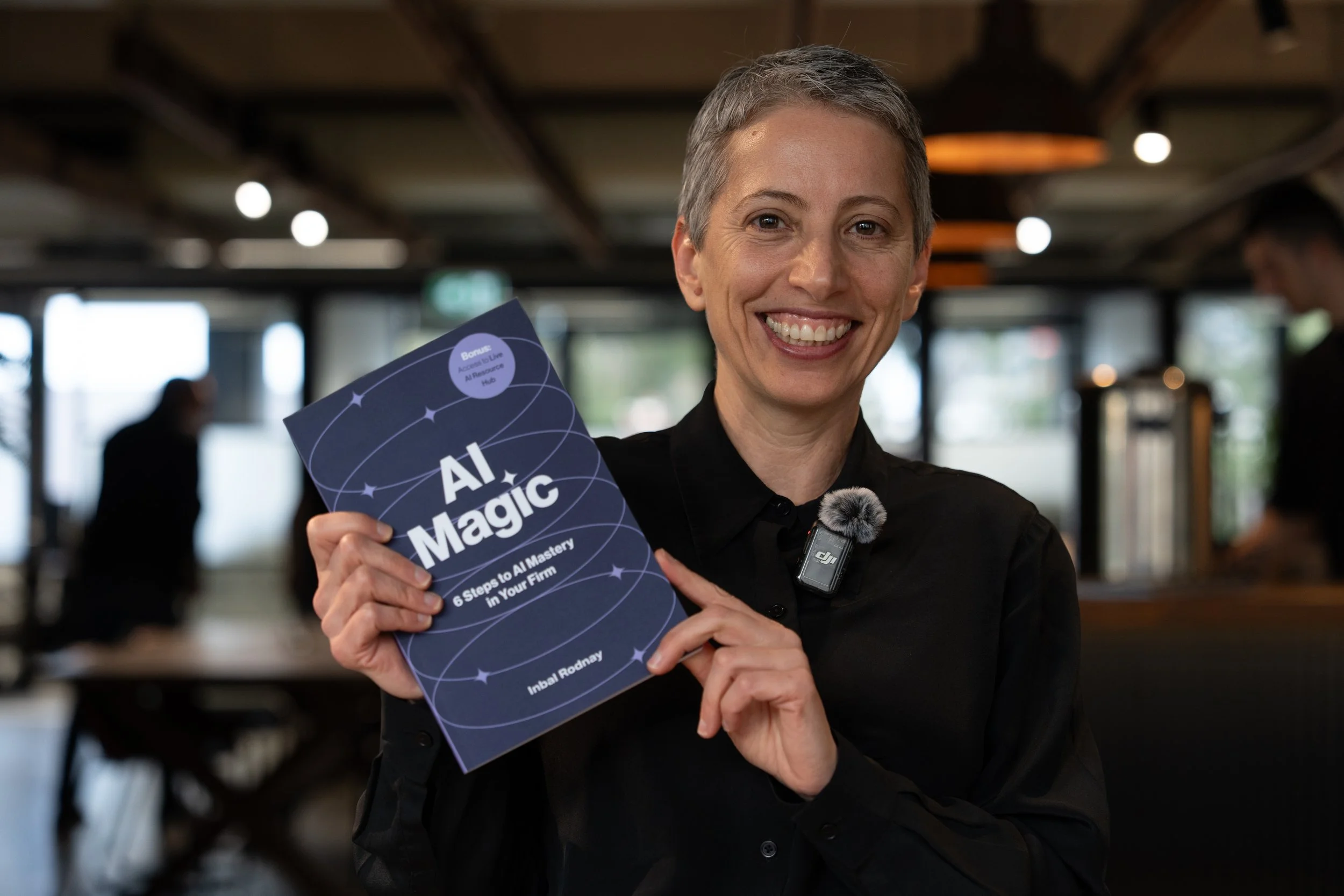
AI Magic: 6 Steps to AI Mastery In Your Firm:
- A step-by-step roadmap that shifts your firm from dabbling to safe, impactful AI Adoption
- A hands-on guide for mastering AI in your firm, solo practice, or team.
- Access to a live AI Resource Hub