Copilot Cowork is here. Where should you start?
Copilot Cowork is now available to everyone. No longer early release.
Let’s look at what it is, what most people start with and a caveat you need to be aware of.
Do you know how I found all that out less than a week after it was released?
Last week at our AI with Inbal implementation session one of the accountants was demonstrating something she had built with Copilot Cowork while it was still early release. As she shared her screen, we noticed it no longer said "early release frontier". So we all looked it up. We figured out what had happened. Then we all experimented with it and shared what we had done.
That is where a lot of what I am about to show you came from. I love learning together ✨.
Where Cowork lives now
Cowork sits inside Copilot. There are now two tabs: chat and Cowork.
Notice the language. In chat it says "new chat". In Cowork it says "new task". Cowork does not really want you to ask it questions. It wants you to ask it to do things.
It has connectors built in, and you can add more connector and this time, they are not just read connectors, they are connectors that include actions too.
I ran my invoice test on it
A few weeks ago I shared an experiment I did in Claude Cowork. So I ran exactly the same one in Copilot Cowork to see what would happen.
I have a folder of invoices and receipts from suppliers. They all have the messy names they arrived with by email. I pointed Cowork at the folder and asked it to rename them with the date and supplier name, then make an Excel register listing them all.
Then I watched (and you can watch too. here in the video).
It made itself a to-do list. "I am going to open your receipts folder, read each receipt, extract the details, rename the files, and build an Excel register."
A good plan.
Then it went and renamed my files. Nice clean names.
What we are noticing
A few things stood out.
It brought a skill. Its Excel skill, which tells it how to work with Excel files.
Skills are prompts and capabilities that Copilot saves, and they come up whenever they are needed.
Cowork looks at a task and asks itself, "what skills do I need for this one?" You can manage them under Customise, and you can create your own.
You’d build skills for things like your morning brief, your calendar structure, writing advice letters, reviewing FBT…
It checked its own work. This is beautiful agentic behaviour. It built the spreadsheet, then verified it. It checked the formulae. It verified the register totals. Sometimes it even renders a page to see that it looks the way it expected.
It took some initiative. It added a currency column, I didn’t ask for, because it spotted that some receipts were in a different currency.
It also left me comments. Two Accor files were identical, so it flagged one as a duplicate. Two Malaysia Airlines documents had the same date, so it added "seat fee" and "ticket" to the file names to keep them distinct. That is clever.
It told me its limits. It renamed the PDFs directly in SharePoint, but it could not upload a new file to SharePoint, so it saved the register to my Cowork folder for me to move across. Nice.
It took time. The whole thing took about seven minutes start to finish. My video is heavily edited so you can watch it quickly. So it is not very fast yet, but it does the job so you don’t have to.
What I would do next? Next I would talk to turn this process into a skill. Including how how I like my spreadsheet, what to do with duplicates, all my different rules. Then next time I would just say "let's do the invoice renaming", and it would know exactly what to do.
Where to start
Should you start using it? Yes. I think we should all experiment with Copilot Cowork.
The first two things everyone in the Club did were these:
One, organise a folder. Screenshots, receipts, whatever folder is a mess. Just like it can rename files, it can tidy a whole folder, subfolders and all.
Two, organise your inbox. One member came back from holiday to 2,000 emails and got Cowork to tidy the entire inbox. He now scheduled this to run every morning.
If you are going to start, start there.
Then go into more workflow specific tasks.
Now the caveat: it costs money
The official Microsoft announcement explains what Cowork is, how to use it, and why it is more secure than the alternatives. Then it gets to pricing.
Cowork runs on credits. Credits are a measure of how much thinking the task took. Light tasks are 100 to 300 credits. Medium tasks are 300 to 700. Heavy tasks are more than 700. Each credit costs about a cent (probably USD, not sure).
There is no included capacity. From the very first task, you pay. So a light task is roughly one to three dollars. A medium task is three to seven. A heavy task is more than seven.
To keep that cost down, Cowork uses multiple models under the hood, selecting the most efficient one for each type of task. But still, there is no capacity included in our Copilot subscription ‘for free’.
How to get started
If you can’t see Cowork in your Copilot environment, you may need to have your Microsoft admin turn it on (and set up spending limits while they’re at it).
To get started, decide a budget you are happy to spend for experimentation. Think about it as tuition.
Use it yourself or give it to your AI champions in the business to play with.
Then, see if you identified tasks that are worth automating with Copilot Cowork, given the associated price and role those out, eyes open.
Want to do this together?
If you are not sure what to do with all of this, and you would rather do it in a group, there are two ways now:
The AI with Inbal Club is online. We demo these things together, then go into an online co-working space and actually implement, clicking along, sharing screens, showing each other what we made.
If you want a comprehensive kickstarter in person, I am coming to Sydney and to Melbourne in August. Join us there (if you are a club member already, you get a significant discount on in person event tickets. Use it).
Get in. There is so much magic to be done!
-
Inbal Rodnay
Guiding Firms in AI Adoption and Automation
Keynote speaker | AI Workshops | Executive briefings | The Tech Savvy Firm
P.S. The July intake for the AI with Inbal club is open now. Monthly briefings, live implementation sessions, training sessions to get you started with Copilot, Claude, or agents and now also one-on-ones with me. Come build the rhythm with us:inbal.com.au/aiclub
When you are ready, here is how Inbal can help:

AI with Inbal
- Meetups: See what other firms are actually doing: real use cases, real results, no polish.
- The Radar: What to act on now, what to watch, and what to safely ignore
- The resource hub: prompt packs, policy templates, and implementation guides
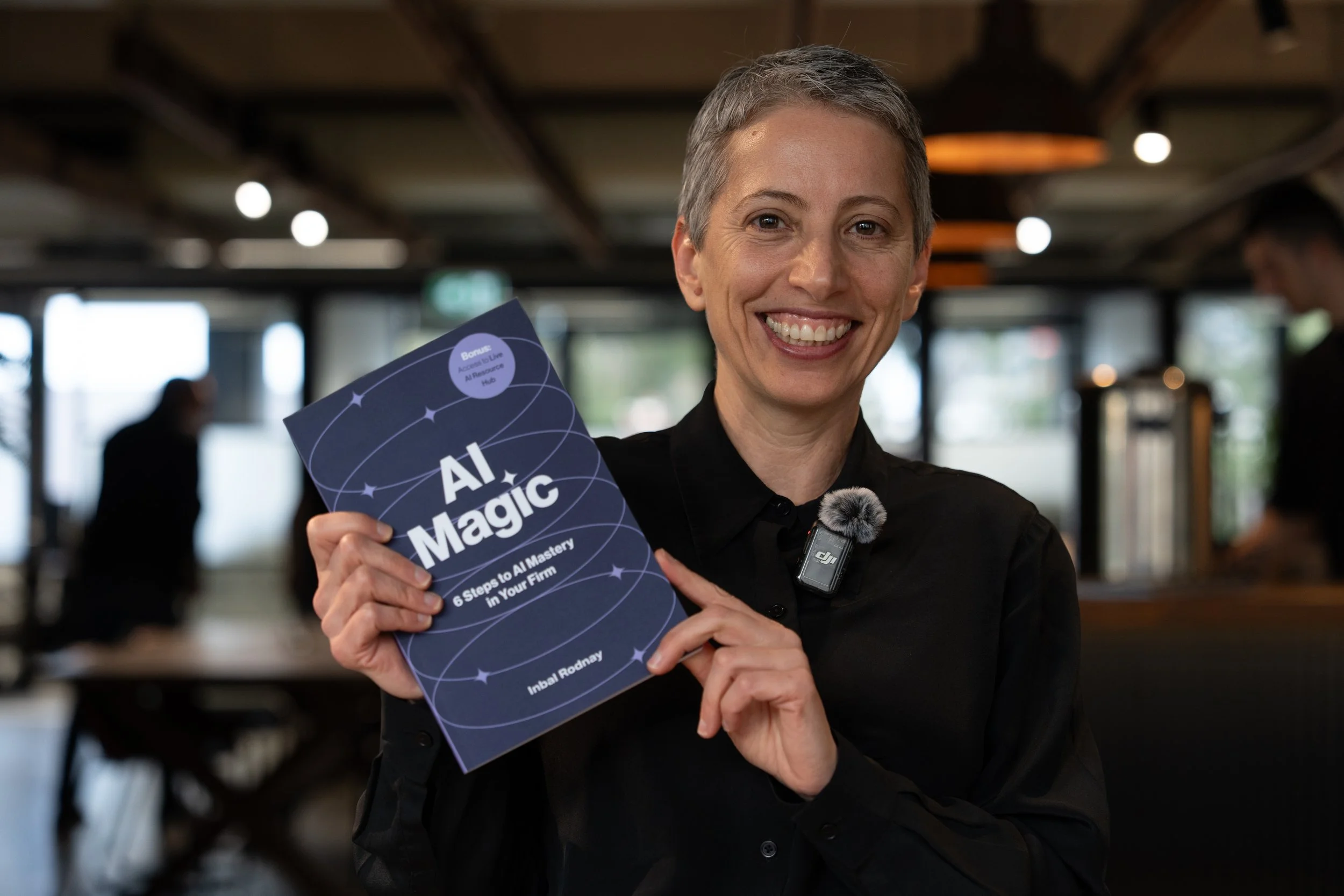
AI Magic: 6 Steps to AI Mastery In Your Firm:
- A step-by-step roadmap that shifts your firm from dabbling to safe, impactful AI Adoption
- A hands-on guide for mastering AI in your firm, solo practice, or team.
- Access to a live AI Resource Hub

AI Bootcamp in Sydney
- Practical, business-safe AI use cases
- How to move from “sporadic prompting” to real workflow
- What AI agents are, and what they can do for you right now

AI Bootcamp in Melbourne
- Practical, business-safe AI use cases
- How to move from “sporadic prompting” to real workflow
- What AI agents are, and what they can do for you right now